1 Rep Max Chart and Calculator: Find Your True Strength
Your 1RM chart is more than a number lookup. It’s the anchor that makes every working weight precise, and most lifters never use it that way.
Most college and early-career lifters, ages 18-24, who have plateaued and abandoned programs share the same unexamined belief: “I just need to keep showing up consistently and the numbers will eventually go up on their own.” A 1RM chart estimates your maximum lifting capacity from a sub-maximal set: bench 185 lb for 5 reps, and the chart maps that combination to an estimated one-rep max of roughly 210 lb. That number is more useful than most lifters realize. The problem is that most lifters stop exactly there. See our AI fitness app for how this works in practice.
A one-rep max (1RM) is the maximum weight you can lift for a single complete repetition of a given exercise. According to the National Strength and Conditioning Association (NSCA), it represents the absolute ceiling of your strength on that movement. Your ceiling. Sub-maximal rep testing, lifting a manageable weight for multiple reps and using a validated formula to estimate the max, is a safe, widely accepted alternative to true max testing.
Research published in Sports (Schoenfeld, Grgic, Van Every, and Plotkin, 2021) confirms that load expressed as a percentage of 1RM is the most meaningful way to prescribe resistance training, because the percentage determines the neuromuscular stimulus of a set, not the raw weight on the bar. A 1RM chart is a lookup table that maps sub-maximal weight-and-rep combinations to an estimated true maximum. That estimated max then becomes the anchor for every training load going forward.
The chart exists so you can work backward: know your ceiling, then calculate precise working weights for any rep range.
It is a diagnostic instrument. The percentages inside a 1RM chart trace directly to the repetition continuum framework the NSCA uses to link sub-maximal loads to predictable outcomes. Schoenfeld and colleagues (2021) describe it clearly: heavy loads at or above 85% of 1RM drive maximal strength adaptations; moderate loads between 67% and 85% drive hypertrophy; and lighter loads below 67% shift the stimulus toward muscular endurance. Every row of a 1RM chart is, in effect, a map to one of those outcomes.
Key takeaways
- A 1RM chart gives you a number, bench 185 lb for 5 reps maps to roughly a 215 lb estimated max, but the number is inert until something tells you what to load on the bar next session.
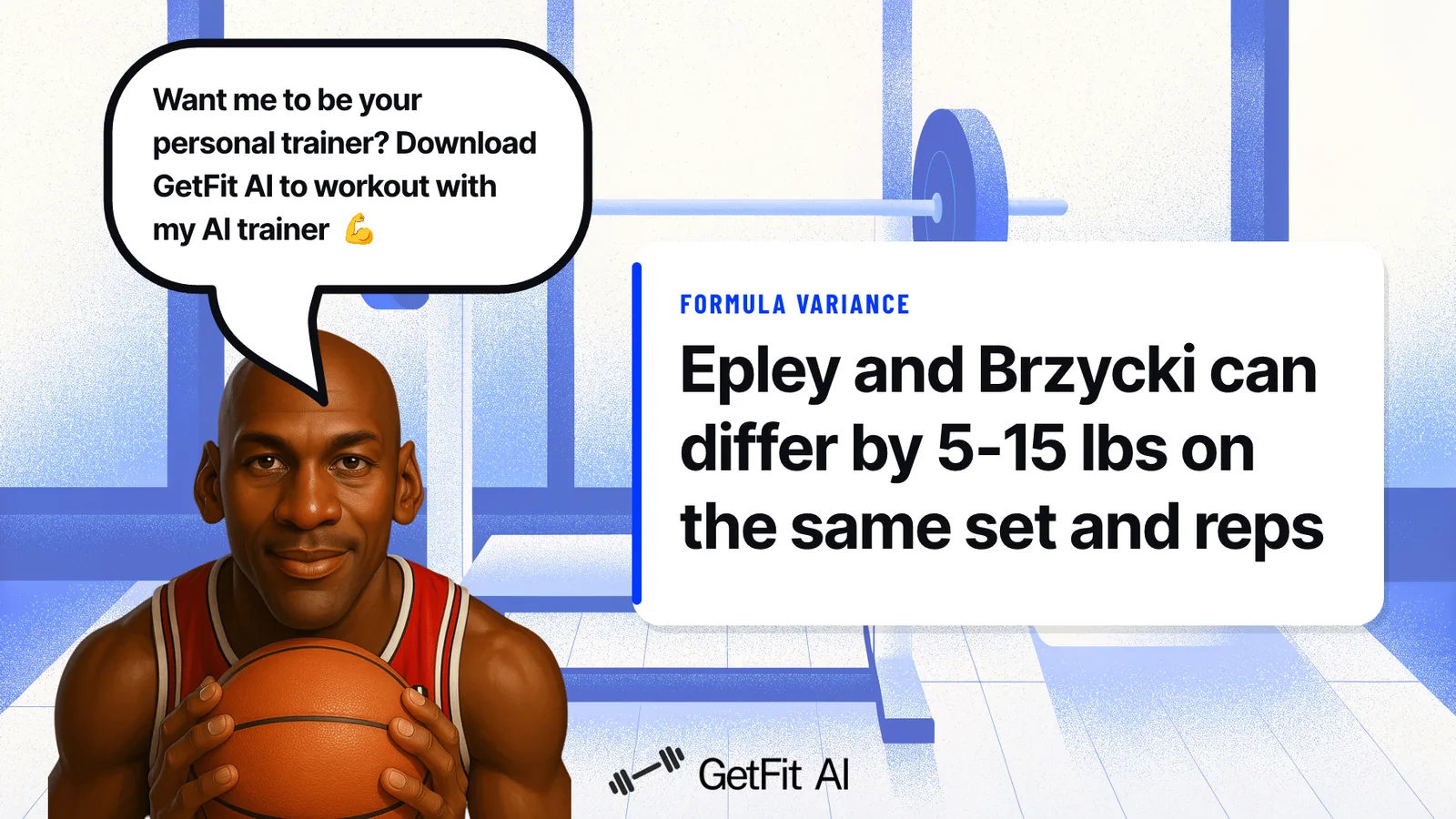
- The Epley and Brzycki formulas, both widely cited, can produce estimates 5-15 lb apart on identical input data, enough to miscalibrate every working set you program from that baseline.
- According to NSCA research, each rep count from 1 to 12 corresponds to a specific percentage of 1RM, and training at the wrong percentage for your goal is the mechanical reason most plateaus happen.
- Showing up consistently is not enough to guarantee progress, without deliberate, data-driven load adjustments, the gap between what you programmed weeks ago and what your body actually needs quietly widens.
- Most lifters who plateau share the same unexamined assumption: the weights will go up on their own. They won't. Percentage-based training only works when the percentages get updated as you get stronger.
- GetFit AI's free fitness calculators, 32 tools covering one-rep max, BMI, BMR, TDEE, macros, body fat, protein, and more, every formula grounded in published research, calculate your 1RM instantly and translate it into working weights that update as your numbers move.
What Percentage of 1RM Corresponds to Each Rep Count: The Full 1-12 Rep Chart
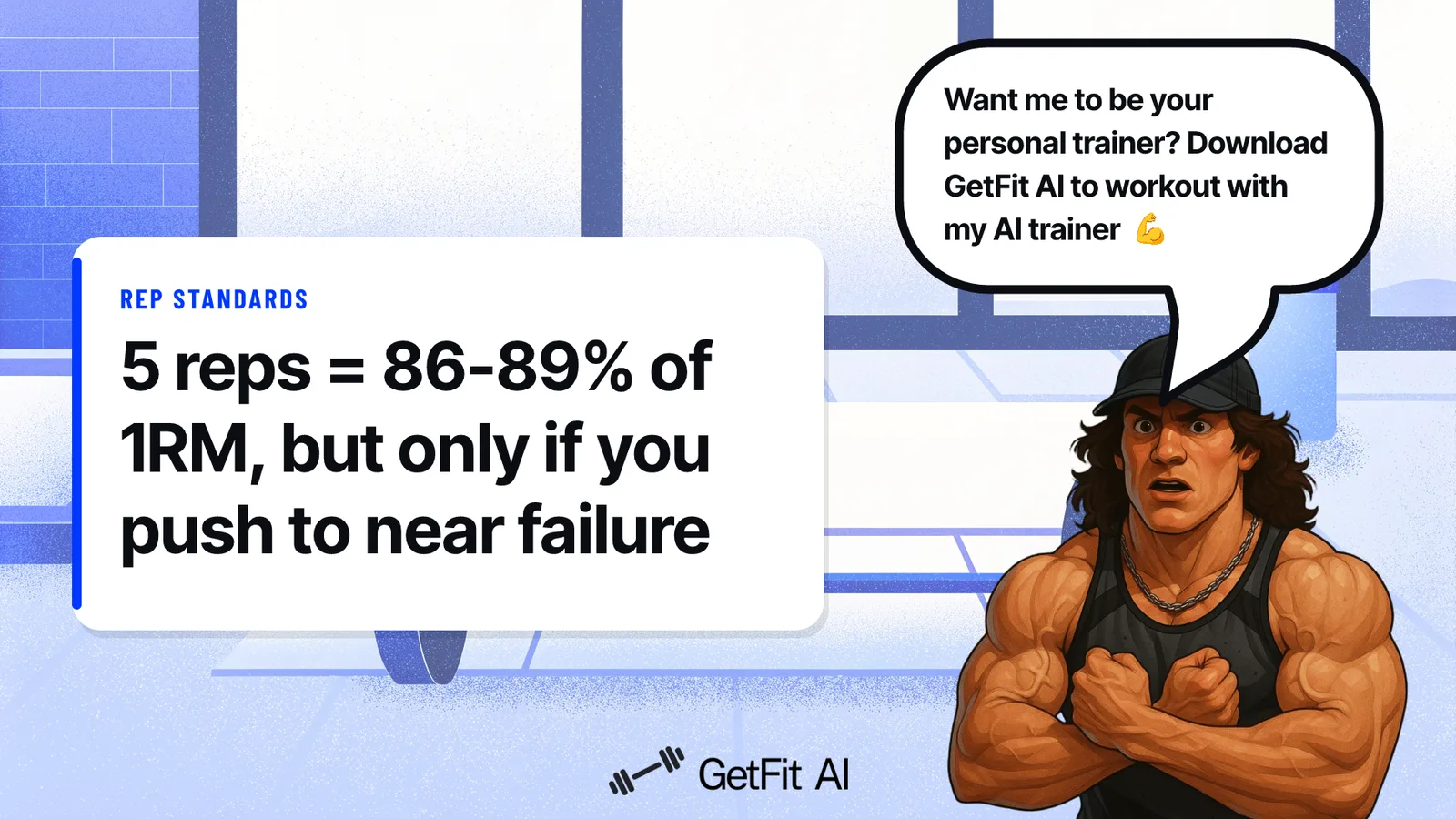
The table below maps every rep count from 1 to 12 to its corresponding percentage of 1RM and training zone, based on NSCA guidelines and Mike Tuchscherer’s RPE-10 data calibrated from real powerlifting results. One critical assumption runs through every row: each set is taken to or near muscular failure, which is what makes the percentages meaningful in the first place. Understanding that condition is just as important as reading the numbers, and both are covered here.
The Full 1 to 12 Rep-to-Percentage Reference Table (RPE 10 Baseline)
According to the NSCA Coach (2024), the rep-to-percentage relationship maps each rep count to a corresponding intensity zone, assuming every set is taken to or near muscular failure. Mike Tuchscherer’s RPE-10 chart, calibrated from real powerlifting data and cited by Fitness Volt, aligns closely with those NSCA figures across the 1-12 rep range.
| Reps | % of 1RM | Training Zone |
|---|---|---|
| 1 | 100% | Maximal strength |
| 2 | 95-97% | Maximal strength |
| 3 | 92-94% | Maximal strength |
| 4 | 89-92% | Strength |
| 5 | 86-89% | Strength |
| 6 | 83-86% | Strength/hypertrophy |
| 7 | 80-83% | Hypertrophy |
| 8 | 77-81% | Hypertrophy |
| 9 | 75-78% | Hypertrophy |
| 10 | 73-75% | Hypertrophy |
| 11 | 72% | Hypertrophy/endurance |
| 12 | 67-71% | Hypertrophy/endurance |
Why Every Row Assumes Near-Failure Effort
The entire table collapses if you don’t push close to failure. The NSCA is explicit: the rep-to-1RM percentage relationship assumes sets are taken to or near muscular failure. Stop two or three reps short, and the weight you lifted represents a lower relative intensity than the chart assumes, so your estimated 1RM inflates. You think your max is 275 lb; it might be 255 lb. Every downstream percentage you calculate from that number is now wrong.
Lifters who use the chart without accounting for daily readiness or effort level get an inflated estimate, load too heavy the next session, and stall out wondering why the percentages “don’t work.”
How to Cross-Reference Weight and Reps to Find Your Estimated 1RM Row
The mechanic is straightforward: find the row that matches the number of reps you completed, then locate your lifted weight in a companion 1RM table to read off the estimated maximum. If you benched 185 lb for 5 reps, the 5-rep row points to roughly 87% of 1RM, which back-calculates to an estimated 1RM of approximately 213 lb. That single number then anchors every working weight in your program.
Related Reading
- Best Fitness Apps
- How Many Pull Ups Should I Be Able To Do
- Average Grip Strength Male
- Average Bench Press
- How Much Does A Bench Press Bar Weigh
- Average Male Bench Press
- How Much Can The Average Man Bench Press
- Grip Strength Chart
- Symmetric Strength
- Bench Press Standards
How to Calculate Your One Rep Max: The Epley and Brzycki Formulas Explained
Not every lifter who picks up a 1RM formula is making the same calculation. Two of the most widely cited formulas, Epley and Brzycki, are built on different mathematical assumptions, and the one you happen to use first can shift your estimated max by 5 to 15 pounds on the exact same set of data. That gap is large enough to miscalibrate every working weight in your program before you even touch the bar.
“1RM calculators become increasingly inaccurate when using higher rep ranges (e.g. 10+ reps) as inputs, making the Epley and Brzycki formulas less reliable at those ranges.”
— what we hear from strength training enthusiasts
The Epley Formula: Why It Skews High at Low Rep Counts
The Epley formula, published by Boyd Epley at the University of Nebraska-Lincoln in 1985, calculates estimated 1RM as weight multiplied by (1 + reps divided by 30). The structure is additive: each additional rep contributes a fixed fractional increment to the base weight, which means the formula scales linearly as reps increase. At low rep counts (1 to 5), this linear growth slightly overestimates the true max because the real relationship between reps and maximal strength is not perfectly linear at the extremes. The formula works best in the 3 to 10 rep range, where its assumptions hold reasonably well.
The Brzycki Formula: Where It Diverges and Why It Gets Unreliable Above 10 Reps
The Brzycki formula, sourced from Matt Brzycki’s 1993 work in the Journal of Physical Education, Recreation and Dance and referenced by the NSCA, calculates estimated 1RM as weight multiplied by 36 divided by (37 minus reps). The denominator shrinks as reps increase, which causes the formula to curve upward steeply at higher rep counts. Above 10 reps, that curve accelerates fast enough to produce meaningfully inflated estimates. At 15 reps, the denominator has dropped to 22, and the resulting multiplier balloons the estimate well past what Epley would produce on the same input.
Epley vs. Brzycki: A Side-by-Side Worked Example
Take a concrete case: a 200-pound deadlift for 6 reps.
| Formula | Calculation | Estimated 1RM |
|---|---|---|
| Epley | 200 × (1 + 6/30) = 200 × 1.20 | 240 lb |
| Brzycki | 200 × (36 / (37 − 6)) = 200 × (36/31) = 200 × 1.161 | 232 lb |
The same effort produces an 8-pound spread, before you have even loaded a working-weight percentage on top. At low rep counts the gap narrows; above 10 reps it widens. Neither formula is wrong in the sense of being sloppy math; they simply model the fatigue curve differently. The practical takeaway: pick one formula and use it consistently, so your re-tests are always comparable to your baseline.
1RM Calculator: Skip the Math and Get Your Number in Seconds
Punching a weight and rep count into a calculator takes seconds, but understanding what comes back and why it differs across tools is what separates a lifter who uses the number correctly from one who just collects it. This section walks through exactly how the input-to-output flow works, which formulas are running behind the scenes and why using several at once gives you a more honest result, and where the accuracy limits sit so you can apply your estimated max with the right level of confidence.
What You Enter, What You Get: The 30-Second Input-to-Output Flow
Type in the weight you lifted and the reps you completed. That is the entire input. A free fitness calculator returns your estimated one-rep max instantly, no pencil required.
Enter “185 lb, 5 reps” and you get roughly 215 lb as your estimated 1RM, plus percentage-based loading suggestions you can act on before your next set. The output is immediate and concrete, but here is the synthesis most lifters miss: a calculator solves the arithmetic problem, not the programming problem, and confusing the two is exactly why plateaus happen. Knowing your 1RM is a prerequisite for correct load prescription, not a substitute for it.
Which Formula Runs Under the Hood, and Why the Calculator Runs Several at Once
A common frustration among lifters is opening two different one rep max calculator tools and getting two different numbers. That gap is real. Epley and Brzycki agree closely at low rep ranges, but diverge meaningfully above 8 reps because each formula weights fatigue differently. Running both simultaneously and displaying the range is more honest than picking one and presenting it as fact. A single formula output is a point estimate; a range is a confidence window.
The Number You Just Got Is an Estimate, Not a Ceiling: Accuracy Guardrails to Know
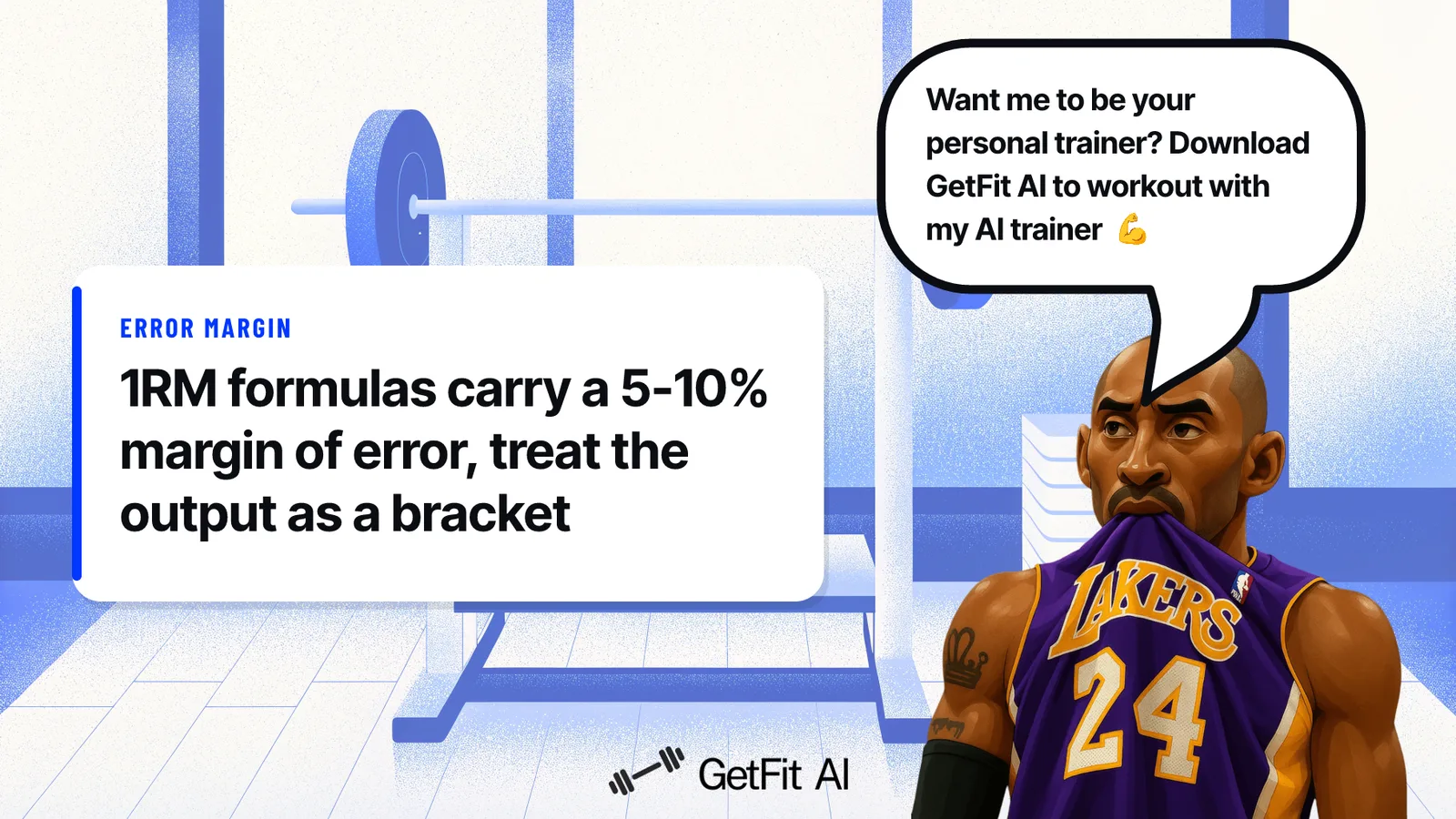
As industry research confirms, sub-maximal 1RM estimation formulas carry an inherent margin of error, typically within 5-10% of a true tested maximum for most lifters working in the 3-to-10 rep range, but wider outside those boundaries.
Key takeaway: A calculator output is best treated as a starting bracket rather than a precise ceiling, useful for setting initial training loads, but worth recalibrating every four to six weeks as strength shifts.
How to Use Your 1RM to Set Training Weights, and Why the Chart Alone Won’t Break Your Plateau
Knowing your one-rep max is only useful if you can translate it into the actual weights you load on the bar each session, and that translation is where most lifters quietly go wrong. The percentages on any 1RM chart carry hidden assumptions about effort level and rep range that, when ignored, can make your training weights feel too easy, stall your progress, or even produce false signals inside a tracking app like GetFit AI that look like strength loss. What follows breaks down how to apply those percentages correctly and how to tell the difference between a real plateau and a data problem.
How to Convert Your 1RM into Working Weights for Any Rep Range
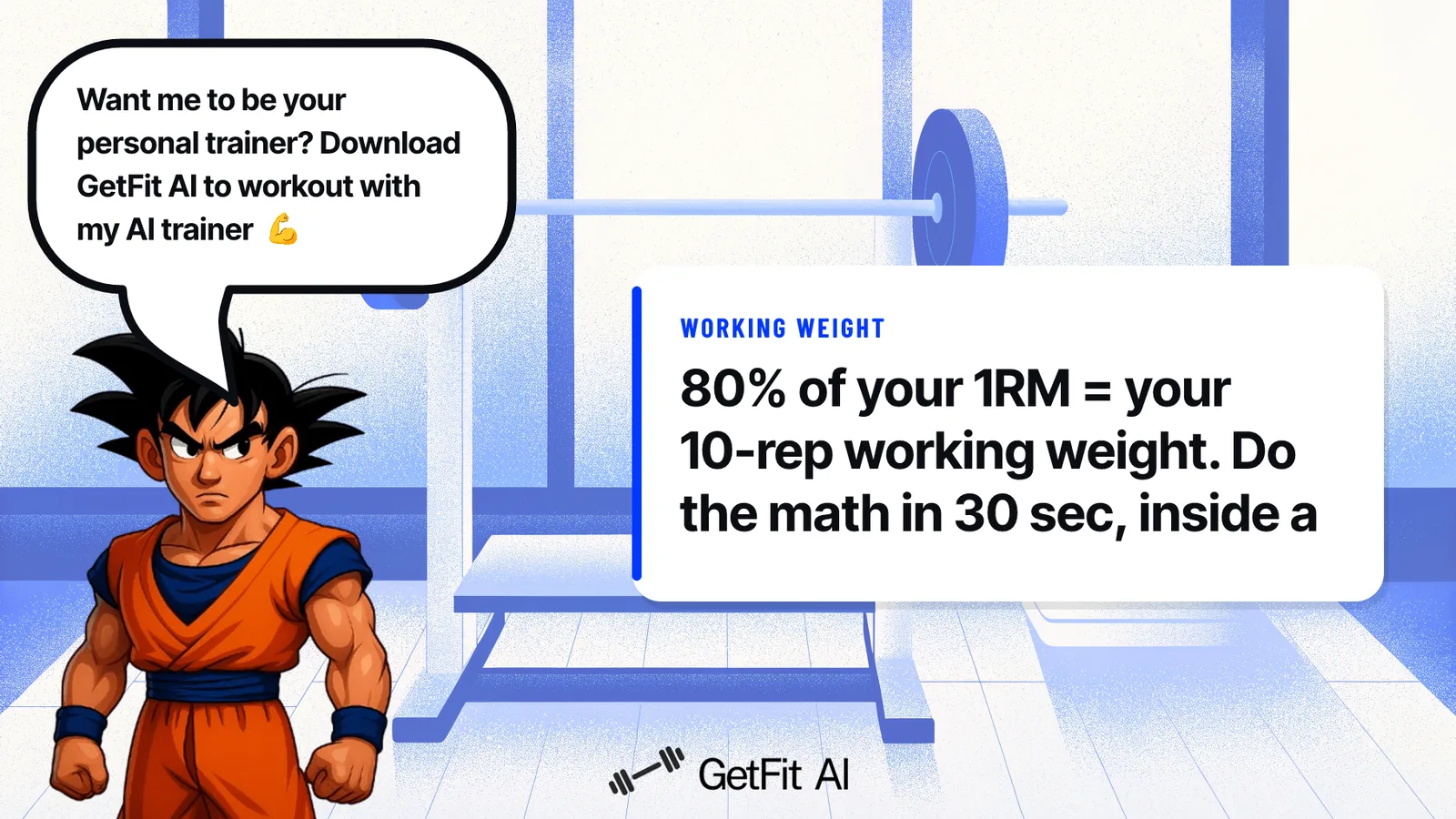
Most lifters who plateau and quietly abandon their programs share the same assumption: “I just need to keep showing up consistently and the numbers will eventually go up on their own.” To find your working weight for a given rep range, multiply your estimated 1RM by the corresponding percentage. According to the Stronger (2024) lifting percentage reference:
-
75% of your 1RM targets roughly 12 reps to failure
-
80% lands around 10 reps
-
90% gets you into the 5-rep zone
So if your estimated squat 1RM is 225 lb, your 10-rep working weight is 225 × 0.80, which gives you 180 lb. That’s the math. It takes thirty seconds.
The catch is that these percentages assume you’re pushing each set close to muscular failure. Back off to a comfortable effort level and your actual reps will outpace the chart’s prediction, inflating your apparent 1RM without any real strength gain behind it.
There is a second, less obvious trap that trips up lifters running structured percentage-based programs like 5/3/1 BBB: high-rep, sub-maximal accessory sets, think 5×10 at 65% of your training max, feed low-velocity, moderate-rep data into any algorithm trying to predict your 1RM. The result is that the app’s predicted max can drop dramatically, falsely signaling a strength decline when none has occurred. Understanding why the weights stopped moving, and whether that signal is real or a data artefact, is the kind of clarity that separates lifters who adjust intelligently from those who spin their wheels for months.
Why Your Percentage-Based Weights Expire Faster Than You Think
A 2020 systematic review found that the typical error of measurement for the 1RM test can be substantial enough that a lifter’s recorded max may not accurately reflect their true strength at any given point, making any one snapshot an unreliable anchor for long-term programming without periodic re-testing. Get stronger, and your percentages underload you. Lose a training week, and they may overload you. The chart doesn’t know either happened.
The chart doesn't know either happened.
Key takeaway: Your 1RM estimate has an expiration date. Without periodic re-testing, the loads you calculated weeks ago can quietly drift from what your body actually needs, whether that means underloading after gains or overloading after a missed week.
Consider a concrete example: a lifter calculates a 225 lb squat 1RM in January and sets 169 lb (75%) as their working weight. By March, consistent training has pushed their real max to 240 lb. But they never re-tested. They’re still grinding 169 lb, which is now closer to 70% of their actual max. Progress has quietly stalled while the numbers on the bar stayed the same.
The Missing Layer: Why the Chart Needs a Feedback Loop
The chart is structurally honest about what it is: a reference table, as Stronger makes clear in presenting it. What it cannot do is watch your sessions, notice that you’ve been stuck at the same weight for eight weeks, and tell you it’s time to update the number. That feedback loop is the missing piece, and without it the chart becomes a snapshot collecting dust in your phone notes.
This is where structured training guidance earns its keep. GetFit AI’s Structured Training is designed for lifters who have previously struggled with consistency due to a lack of program structure, and it works from your very first workout session. Across each session and across the overall program arc, it tracks the inputs the chart cannot: whether you’re progressing, stagnating, or recovering. If your working weights need updating, you get that signal based on what actually happened in your training, not on a January snapshot.
For lifters who want to train the way the athletes they follow train, GetFit AI’s Athlete-Style Custom Workout Plans bring that same principle to percentage-based programming, building in the re-test and recalibration moments the chart assumes but never schedules. And because the biggest drop-off in self-directed programs happens after the first few weeks, the Friends, challenges, and leaderboards layer, most powerful once you’ve connected with at least one friend or workout partner also using GetFit AI, provides the accountability that keeps you training past week three, when stale percentages would otherwise become the excuse to stop.
GetFit AI Premium starts at $1.99 per week, $4.99 per month, or $49.99 per year, structured so you can start with the feedback loop the chart was never built to provide.
Related Reading
- Do Pull Ups Work Chest
- Grip Strength Norms
- Average Deadlift Weight
- Average Male Deadlift
- Good Bench Press Weight
- Weightlifting Standards
- Average Bench Press Kg By Age
- Average Deadlift Weight Kg
From Static Chart to Adaptive Plan: How GetFit AI Turns Your 1RM Into a Living Training System
That system, the one that watches your numbers move and updates your loads before you have to ask, matters most when you understand what it’s actually solving for. A plan that recalculates your working weights after every re-test removes the single most common reason percentage-based training stalls: the quiet gap between the load you programmed weeks ago and the load your body actually needs today. Showing up consistently is only half the equation, and the research makes this uncomfortable to sit with.
The pattern holds across the broader fitness landscape: the large majority of people who start a new training routine abandon it within the first three months, and independent analysis finds that most gym-goers quit within 90 days of starting a fitness routine. But among those who stay consistent, a second failure mode waits quietly: training off the same percentages, from the same 1RM estimate, month after month, until the weights stop moving and nobody can explain why. This is a two-failure-mode problem that no single source names.
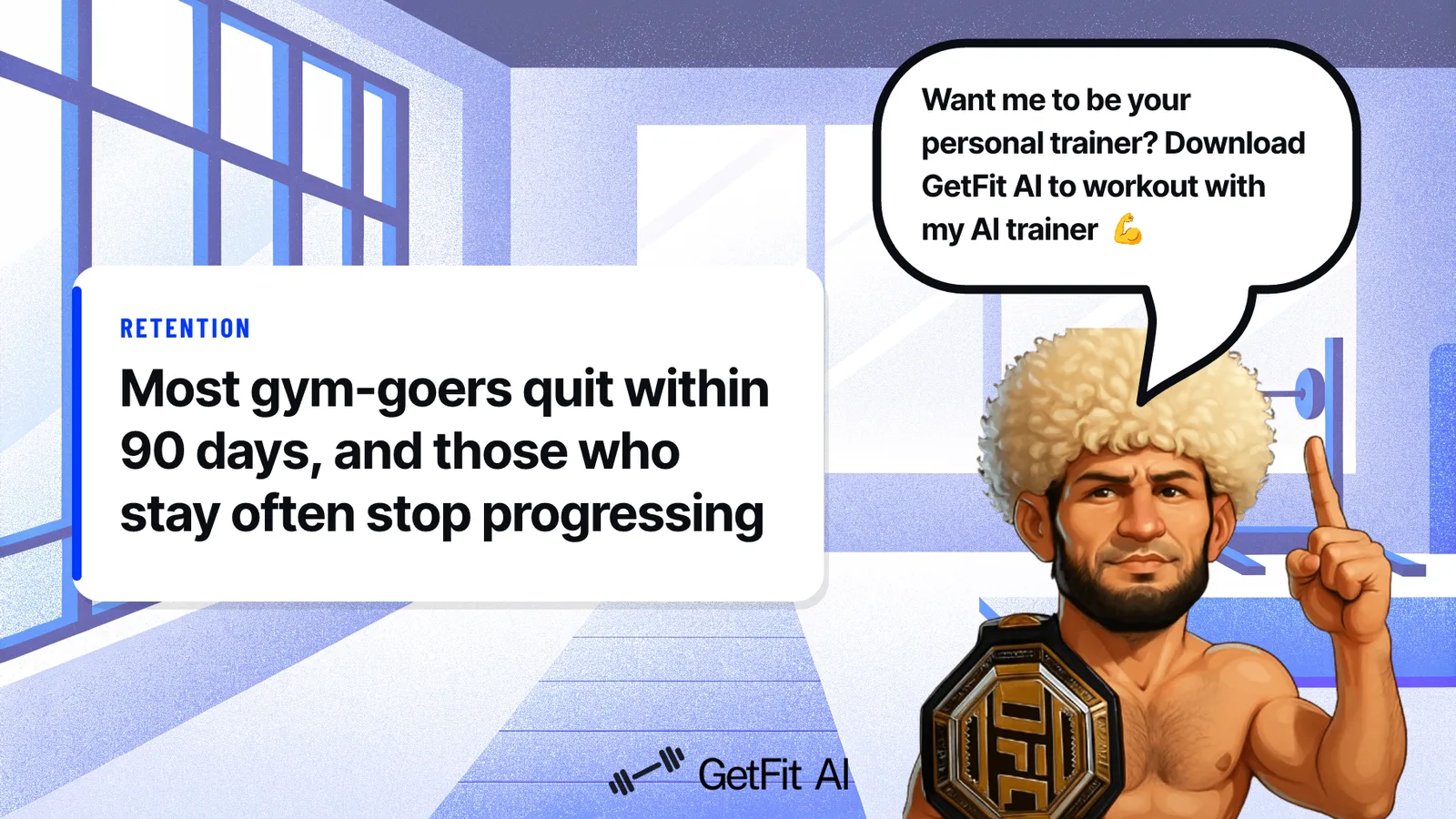
Most lifters fail at consistency, and among those who solve consistency, most then fail at progression. A training tool’s real value is measured by how powerfully it closes both gaps at once. Fixing one without the other produces either a highly consistent lifter who never progresses or a perfectly programmed plan that gets abandoned in week six.
GetFit AI’s Athlete-Style Custom Workout Plans are built to attack both failure modes at once: a custom plan is generated immediately upon setup at onboarding, so the structure is waiting from the very first workout session. This matters most for beginners who have previously struggled with consistency due to lack of program structure, because the window between “I signed up” and “I quit” is often measured in days, not months.
Why Your 1RM Number Expires Faster Than You Think
Strength shifts fast, especially in the first months of structured training. A beginner who tests their bench 1RM in week one and never retests is likely training off a number that underestimates their actual capacity by week four or five. That gap means lighter working weights than necessary, less mechanical tension on the muscle, and a plateau that looks like a training problem but is really a data problem.
The chart is not wrong. It is just old. GetFit AI’s Athlete-Style Custom Workout Plans address this directly: because the plan is generated at onboarding and then recalibrates based on logged performance across each workout session and across the overall training program arc, the 1RM estimate your plan is working off reflects where you actually are, not where you were when you first opened the app.
Whether you choose a GetFit AI Custom AI plan or follow an AI athlete’s plan, that recalibration runs continuously rather than waiting for you to remember to retest.
Mid-Workout Load Adjustments: Answering In-Session Questions Without Breaking Focus
The honest limitation of any percentage-based system is that it cannot hear you. It does not know the bar felt unusually heavy today, that the squat rack is taken, or that your shoulder is nagging. A conversational AI trainer inside GetFit AI handles those real-time questions without breaking the session, during each workout session, not just in the planning phase before you arrive.
Ask what to swap for a cable fly when the cable station is packed. Get a load recommendation when a set felt harder than the percentage predicted. The session keeps moving.
This in-session support matters most from the first workout session onward, when beginners are still learning to read their own fatigue signals and need guidance that responds to what is actually happening rather than what was planned two weeks ago.
Auto-Progression That Survives a Missed Week, and the Data Behind Why That Matters
Rigid programs lose most lifters at exactly this point. Miss one week, return to the chart, and the progression scheme no longer fits where you actually are. The common response is to drop back to a weight that felt comfortable before the break, but without a system that accounts for the missed training, that deload is a guess.
GetFit AI’s auto-progression logic adjusts working weights based on your most recent logged performance, so returning after a missed week starts from where your data says you are, not where you were when you last opened the app. That continuity is the retention layer that keeps users training past week three, the window most teams in the fitness space identify as the highest-attrition period in new training programs. For users who want to extend that accountability beyond the algorithm, GetFit AI’s friends, challenges, and leaderboards add a social layer that becomes most beneficial once you have connected with at least one friend in the app, particularly when you have a workout partner also using GetFit AI.
A missed week is harder to rationalize when the leaderboard is live.
Access to all of this, the custom plan, the auto-progression, the in-session AI, and the social accountability layer, is available across three subscription tiers:
-
Premium Weekly Subscription, $1.99 per week
-
Premium Monthly Subscription, $4.99 per month
-
Premium Yearly Subscription, $49.99 per year
Related Reading
- Average Deadlift Weight For Male
- Best Calisthenics Workout App
- Best Hiit Workout App
- Best Gym Workout App
- Best Workout Apps
- Best Free Workout Apps
Next steps
If your weights have been parked at the same numbers for months with no clear signal to change them, the path forward starts with a 1RM-based percentage system that actually updates every time your strength does. Start with our AI fitness app.
A static formula applied to a static 1RM drifts further from reality with every passing week of training, which means the number you calculated in January is already misprescribing your loads by March. And knowing your 1RM is only a prerequisite for correct load prescription, not a substitute for it. The gap between “I know my 1RM” and “I know what to lift today” is exactly where self-directed lifters stall, treating the number as an answer when it is only an input. Together, these two points make the next step obvious: you need a system that recalculates your working weights from session performance rather than from a snapshot that ages out the moment you leave the calculator.
Start with an AI fitness app that feeds your 1RM directly into an adaptive plan that recalibrates every session. Your working weights update as your strength does, and the guess work of “what do I put on the bar today” gets replaced with a number grounded in what you actually lifted last time.
Frequently Asked Questions
What’s the difference between the Epley and Brzycki formulas, and which one should I use?
Epley calculates your estimated 1RM as weight × (1 + reps/30), while Brzycki uses weight × (36 / (37 − reps)). They produce similar results at low rep counts but diverge meaningfully above 8 reps, for example, a 200 lb deadlift for 6 reps gives you 240 lb with Epley versus 232 lb with Brzycki. The practical fix is to pick one formula and use it consistently, so every re-test is comparable to your baseline.
Why does my estimated 1RM feel too high when I actually try to lift that weight?
The most common reason is that you didn’t push your test set close enough to muscular failure, the rep-to-percentage relationship the chart is built on assumes sets are taken to or near failure. Stop two or three reps short and the weight you lifted represents a lower relative intensity than the chart assumes, so your estimated max inflates. You might think your max is 275 lb when it’s actually closer to 255 lb, which throws off every working weight you calculate from it.
How often should I retest my 1RM so my training percentages stay accurate?
The post recommends recalibrating every four to six weeks as strength shifts. Get stronger without re-testing and your percentages quietly underload you; miss a training week without re-testing and they may overload you, the chart has no way to know either happened.
Can I use a 1RM chart to find working weights for squats and deadlifts, or is it only for bench press?
The chart and formulas apply to any lift, the post uses a squat example (225 lb 1RM × 80% = 180 lb for a 10-rep working set) and a deadlift example (200 lb for 6 reps estimating a 232-240 lb 1RM) alongside the bench press example. The same rep-to-percentage table and the same Epley or Brzycki calculation work regardless of the movement.
If I open two different 1RM calculators and get two different numbers, which one is right?
Both can be mathematically correct, they just run different formulas. Sub-maximal 1RM estimation carries an inherent margin of error, typically within 5-10% of a true tested maximum for most lifters working in the 3-to-10 rep range, and that window widens outside those boundaries. Treating the output as a starting bracket rather than a precise ceiling, and running multiple formulas to see the range, is more honest than relying on any single number.