13 Best Workout Apps to Download in 2026
Most workout apps lose 80% of users in the first month. Here are the ones that actually tell you what to do today.
Most beginner lifters, ages 25 to 30, with no plan and no idea what to eat, think: “If I keep showing up and trying hard, I’ll eventually figure out a routine that works and start seeing real results.” Downloading a workout app feels like progress. It is not. The real work starts the moment you walk through the gym door with a phone full of features and absolutely no idea which one to tap first.
The fitness app market has exploded to encompass hundreds of thousands of health and wellness apps across major platforms, yet beginner dropout rates tell a different story than all those five-star screenshots suggest. Research confirms the scale of this crowded space, with 350,000 health apps available across the Apple and Google Play Stores. According to productgrowth.in’s 2024 Fitness App Retention analysis, most fitness apps deliver generic plans without personalized progression, so beginners repeat the same exercises at the same weights with no structured overload and no measurable results. The app is not the problem. The design philosophy behind it is.
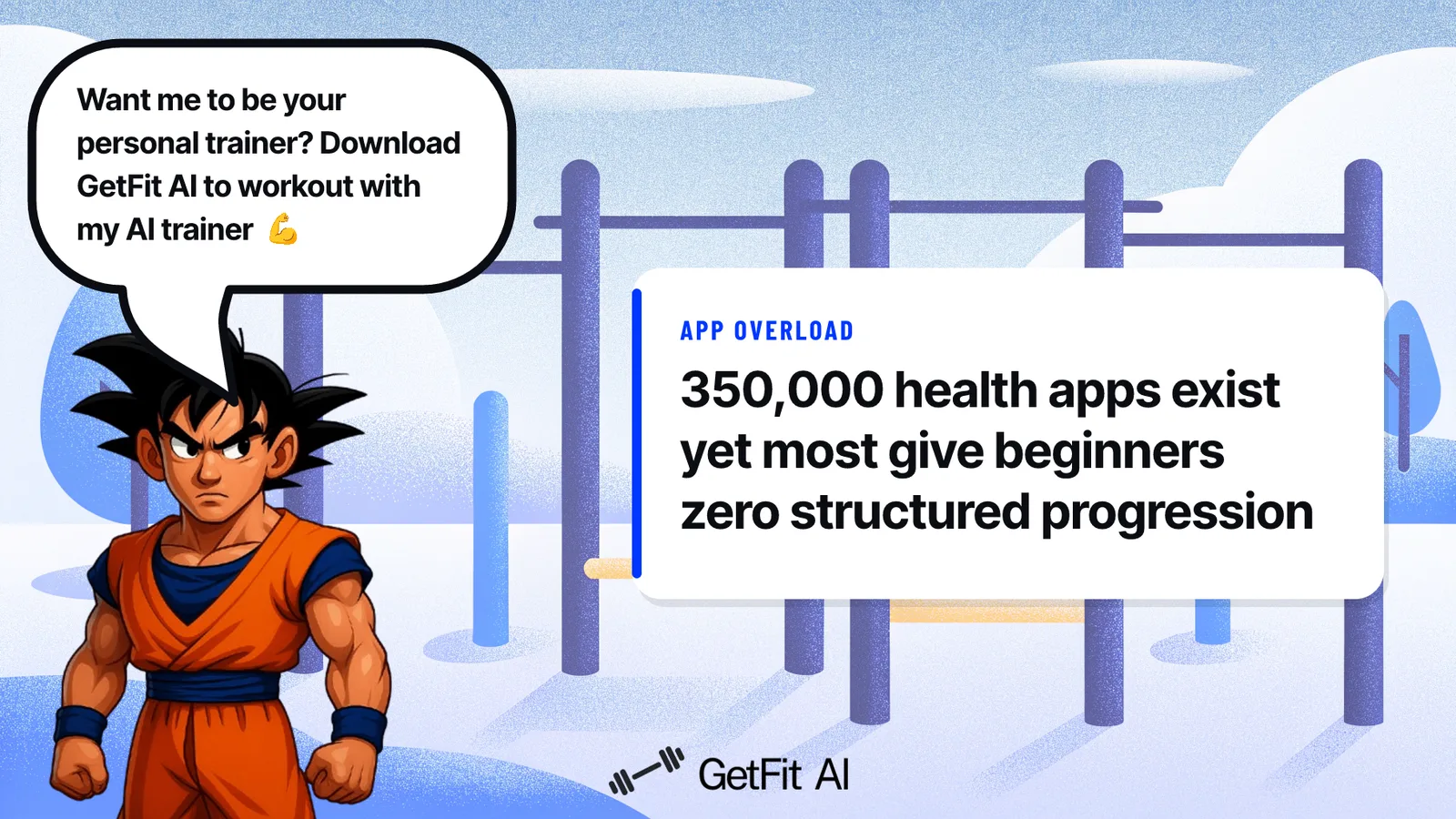
An AI fitness app is a dictionary handed to someone who doesn’t speak the language yet. Without structured progression, gym attendance produces the same weight on the bar for months. The beginner who logged three sessions then quietly uninstalled by week two is not a cautionary tale. That is the default outcome when an app treats logging as the finish line instead of the starting point.
Key takeaways
- Downloading a workout app feels like progress, walking into the gym with no plan and no idea what to eat proves it isn't.
- 90% of gym beginners quit within three months, and the apps most of them downloaded handed them a library instead of a prescription.
- A log without a program behind it doesn't track progress, it archives confusion in a cleaner format.
- The real differentiator in 2026 isn't exercise variety or a slick UI, it's whether the app tells you exactly what to do today, how heavy to go, and what to adjust when your plan breaks mid-session.
- Free apps can be genuinely useful, but the paywall trap, entering your stats, getting excited, then hitting a lock screen before your first workout loads, is real and worth knowing before you download.
- Coaching apps aren't automatically better than self-guided ones; the right accountability mechanism depends on the specific moment where you personally fall apart.
- GetFit AI's Athlete-Style Custom Workout Plans close the loop two ways: build a custom AI plan around your own goals and equipment, or train in the style of an AI athlete or trainer, and the plan adapts as you get stronger, so you never walk into the gym guessing again.
What Separates the 13 Best Workout Apps From Every Other Option in 2026
The vast majority of people who download a workout app this year will stop opening it within 30 days. The common assumption among beginner lifters, typically 25-30 years old with no structured plan and no idea what to eat, is that showing up and trying hard will eventually produce results. According to Lucid (2024), fitness apps lose approximately 80% of their users within the first month, and the primary cause is ambiguity. Users open the app, see a library of 1,480 exercises, each with a video guide, step-by-step instructions, form tips and common mistakes, plus muscle maps and free calculators on the website, and still have no answer to the only question that actually matters: what do I do today?
There is a second, quieter friction point that compounds this: choosing the wrong app in the first place. Every fitness app markets itself as the complete solution, yet each carries its own strengths and blind spots, making comparison feel overwhelming without a structured frame of reference. Beginners we work with describe the selection process itself as exhausting, often leading them to pick whatever ranks highest in the App Store rather than whatever actually fits how they train. That mismatch accelerates churn before the first week is even over.
1. No Daily Prescription: The Silent Killer of Workout App Retention
A library is not a plan. According to Lucid, the absence of a structured daily prescription is the primary driver of fitness app churn, because ambiguity kills consistency faster than any other variable. The apps worth downloading in 2026 remove that decision entirely. They tell you which exercises to do, in which order, with which weights, before you set foot in the gym.
GetFit AI’s Athlete-Style Custom Workout Plans are built precisely around this failure point. From the first workout session, every user has a structured daily prescription: a program tailored to their level and goal, with no menu of options to scroll through. This matters most for users who have previously struggled with consistency due to lack of program structure, because structure removes the decision fatigue that kills follow-through. The plan adapts across the overall training program arc, so week six looks meaningfully different from week one, without the user having to engineer that progression themselves.
This is also where poorly implemented auto-progression becomes its own friction point. Beginners who have used apps with clumsy automatic weight-increase features know the frustration: the app bumps load on a timeline that ignores how your body actually responded, and suddenly a session that should build confidence becomes a grind. GetFit AI handles progression as a guided, continuous process across each workout session and the broader program arc, so the experience stays calibrated rather than punishing.
2. No Nutrition Integration: The Missing Half That Kills Your Results
Training without nutrition guidance is like filling half a prescription. Lucid’s research confirms this directly: apps that integrate nutrition guidance alongside workout programming show meaningfully stronger retention outcomes, because users who understand what to eat in support of their training begin to see results, and results are the most powerful retention mechanism that exists.
3. No In-Session Help: The Coaching Gap That Frustrates Intermediate Lifters
When a user is mid-set and unsure whether their form is breaking down or their RPE is calibrated correctly, there is nowhere to turn in most apps. This gap is especially costly for intermediates who have outgrown beginner tutorials but can’t afford a full-time coach. The best workout apps address this with AI-powered in-session Q&A, real-time form feedback cues, or on-demand video coaching tied to the specific exercise being performed.
4. Personalization Depth: How Well the App Actually Learns You
Surface-level personalization, entering your age and goal once, is table stakes. What separates elite apps is adaptive personalization that updates based on logged performance, sleep data, RPE feedback, and schedule changes over time. Apps that treat your intake form as a one-time event rather than a living profile will serve you a stale plan within weeks. Evaluate how many data inputs the app continuously re-reads before committing.
5. Progressive Overload Logic: Whether the App Actually Makes You Stronger Over Time
Progressive overload is the single non-negotiable mechanism behind strength and hypertrophy gains, yet many apps implement it poorly, recommending lower reps at higher weight in ways that make estimated 1RMs appear to drop, confusing and demoralizing users. The best workout apps use transparent, user-verifiable overload logic: clear week-over-week volume or intensity targets, with manual override so experienced lifters can take accountability for their own progression.
6. Nutrition Guidance Quality: Macro Targets, Not Just Calorie Counts
Research on nutrition apps in behavior change contexts consistently shows that apps providing only calorie totals produce weaker outcomes than those offering protein, carbohydrate, and fat targets tied to specific health goals. For strength and hypertrophy users, protein timing and daily targets matter as much as total calories. Evaluate whether an app’s nutrition layer gives goal-specific macro guidance or simply logs food without interpretation.
7. Real-Time Coaching Access: On-Demand Human or AI Support During Training
The gap between a static plan and a real coach is answered by apps that offer real-time feedback, whether through AI that reads your logged sets and responds contextually, or live coach messaging. AI-powered platforms like Zing Coach demonstrate that personalized, adaptive coaching feedback no longer requires a human on the other end. The tradeoff: AI coaching lacks the nuanced judgment a credentialed coach brings to injury-adjacent situations.
8. Price-to-Value Ratio: What You Actually Get Per Dollar Across Tiers
Workout app pricing ranges from free to $40+/month, but cost alone is meaningless without mapping features to your use case. A $10/month app with solid progressive overload logic beats a $30/month app cluttered with features you’ll never use. The key evaluation move is identifying which tier unlocks the features that matter to your goal, personalization, nutrition, or coaching, and whether the free tier is genuinely functional or a locked demo.
9. Matching App to Goal: Strength Training Apps Built Around 1RM Progression
Strength-focused users need apps built around compound lift progression, 1RM tracking, and periodization, not HIIT timers or step counts. The right strength app surfaces your squat, deadlift, bench, and overhead press history at a glance, auto-calculates working weights from your training max, and flags when deload weeks are due. Apps designed for general fitness will frustrate powerlifting and barbell-focused users within the first training block.
10. iOS and Android Compatibility: The Baseline Requirement Every App Must Meet
Platform availability is a hard filter before any other evaluation begins. Several top-ranked workout apps, including newer AI-first entrants, launch iOS-only, locking out Android users entirely regardless of feature quality. Gym-going demographics skew toward iPhone, which explains why developers prioritize iOS, but Android users represent a significant share of the fitness market. Always confirm cross-platform availability and whether the Android version is feature-parity or a stripped port.
Related Reading
- Best Fitness Apps
- How Many Pull Ups Should I Be Able To Do
- Average Grip Strength Male
- Average Bench Press
- How Much Does A Bench Press Bar Weigh
- Average Male Bench Press
- How Much Can The Average Man Bench Press
- Grip Strength Chart
- Symmetric Strength
- Bench Press Standards
Best Free Workout Apps in 2026: No Paywall, No Excuses
The best free workout apps in 2026 are genuinely free, not “free until you hit the good stuff.” That distinction matters more than it sounds, because the most common frustration beginners run into is spending ten minutes entering their stats, getting excited about a program, and then hitting a paywall before their first workout even loads.
The Three Best Free Workout Apps in 2026: Matched to Your Situation
The best free workout apps in 2026 are Boostcamp, Caliber Strength Training, and Nike Training Club. Each one covers a different slice of what beginners actually need: structured programs, science-based tracking, and guided video workouts. The honest caveat is that none of them cover all three at once, which is exactly why picking the right one starts with knowing what you actually need before you download anything.
Boostcamp: The Free Strength Hub Where Community Votes Decide Which Programs Win
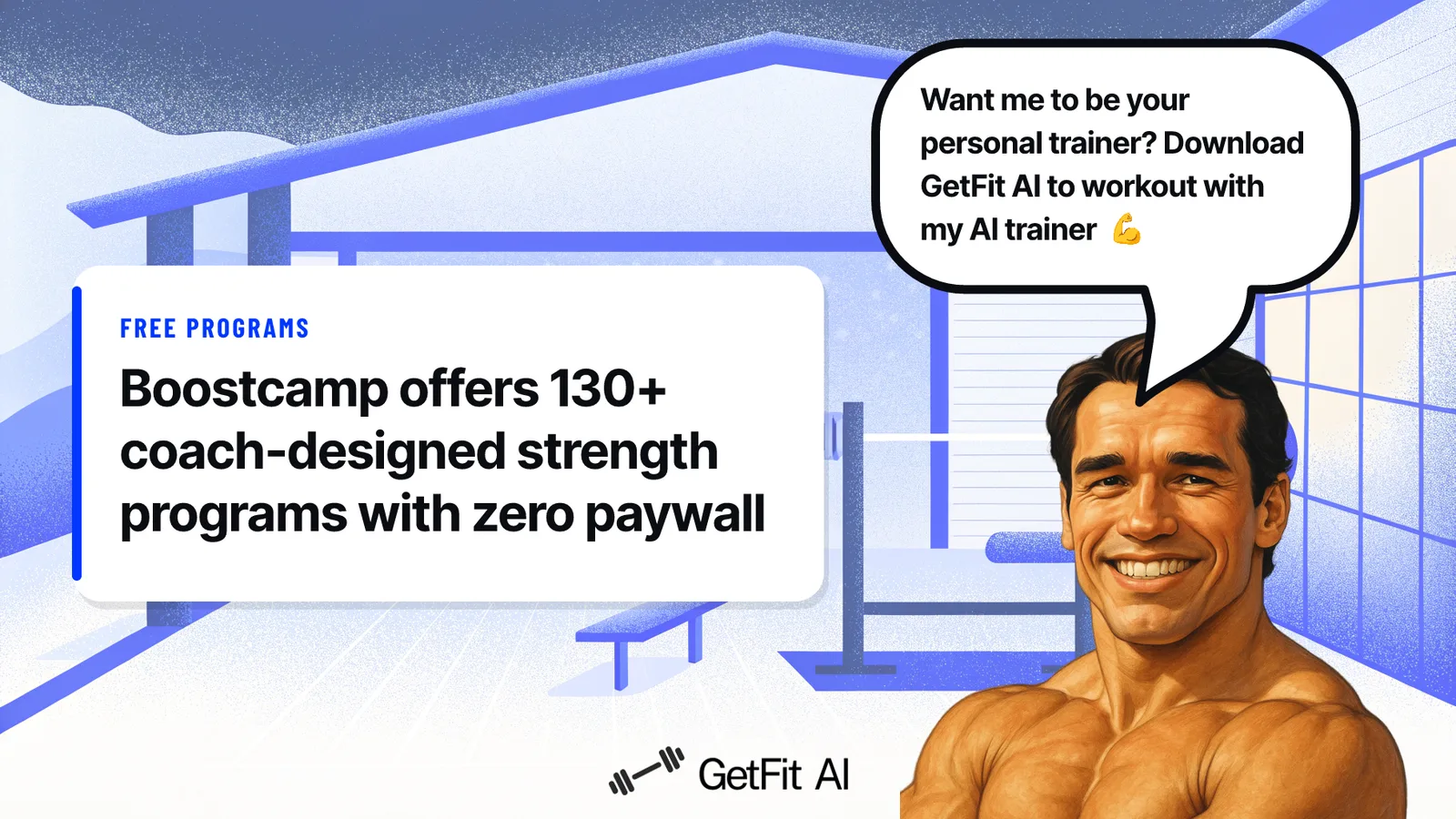
Boostcamp is the best overall free strength training app for anyone who wants a structured program without paying for one. According to Boostcamp’s own program library, the app offers more than 11,000 programs, including 130-plus coach-designed plans, with zero paywall on any of them. That includes RPE logging, a plate calculator, and full progressive overload tracking.
The community-voted structure is what makes Boostcamp different from a generic exercise database. Popular programs like nSuns 5/3/1 and GZCLP have been tested by thousands of lifters, refined through real feedback, and surfaced to the top of the library because they actually work. If your goal is getting stronger on a barbell, Boostcamp gives you a legitimate, coach-designed path at no cost.
The trade-off cuts deeper than it first appears, and it points to a problem that more programs cannot fix. Eleven thousand programs solves content scarcity, but it does not solve dropout, because the real reason beginners quit is not a shortage of available workouts, it is the absence of a daily prescription that removes the decision of what to do next. A beginner who does not already know what “5/3/1” means will spend more time choosing a program than actually training, which means volume of free options creates a new version of the same overwhelm beginners already face on the gym floor.
Caliber Strength Training: Science-Based Progressive Overload With Zero Ads
Caliber Strength Training focuses on data-driven, progressive strength and muscle building with science-based training principles baked into the free tier. The free experience is ad-free, includes structured workouts, and does not artificially cap your progress to push you toward a subscription. The paid tier adds access to a human coach, but the core programming sits entirely behind no paywall. For a beginner who wants to feel like the app was built by someone who actually read the research, Caliber delivers that without charging for it.
Nike Training Club: A Premium-Feel Video Library at Zero Cost
Nike Training Club is entirely free despite feeling like a premium product. The app offers an extensive library of video workouts spanning cardio, yoga, and bodyweight exercises, with high production quality and clear instruction throughout. The honest limitation: it does not build a progressive strength plan around you. That works well for someone who wants variety and video guidance, and less well for someone who needs to know exactly what to lift today and whether they are getting stronger week over week.
How to Pick the Right Free App
Choose Boostcamp if your goal is free strength programming and you already know which style of lifting you want to follow. Choose Caliber Strength Training if you want science-backed structure with clean tracking and no ads. Choose Nike Training Club if you want guided video workouts with no commitment to a single program style.
Best Workout Apps for Strength Training and Weightlifting in 2026
Pick up any app with a massive exercise library and a progress chart, and it feels like you have a plan. The reality most lifters hit by week three is that a library without a prescription is just a search engine with a timer. You still have to decide what to do today, how heavy to go, and what to change when the squat rack is taken and your program falls apart mid-session. That gap is why most beginners stall.
This is compounded by real structural limitations in many popular tools. Free tiers of apps like Hevy cap users at a limited number of saved workout routines, a ceiling you hit fast once you’re training more than a few movement patterns. Native wearable tracking isn’t much better: Apple Watch’s strength workout mode still can’t log individual sets, reps, load, equipment, or body side per set, which means the data your wrist collects stays too coarse to drive meaningful program decisions. And for the large share of lifters who don’t have time or energy to commute to a gym, the default fallback, stitching together YouTube clips at home, offers even less structure than a capped free app.
Research consistently shows that structured, auto-progressing plans outperform self-directed logging for strength gains, yet the majority of fitness apps still hand you a blank log and wait. The cost is invisible at first: you show up, you do something, you leave. Months later, the weights haven’t moved and neither has the mirror.
Adaptive AI tuning solves for progressive overload in isolation, but body-composition results depend on training and nutritional context being delivered together. An app that auto-adjusts your lifts while ignoring what you eat is optimizing half the equation and leaving the most visible results on the table. The best strength apps in 2026 close both gaps.
For the best strength training apps and weightlifting tools available right now, these three lead the field.
1. GetFit AI: Best for Training in a Specific Athlete’s Style
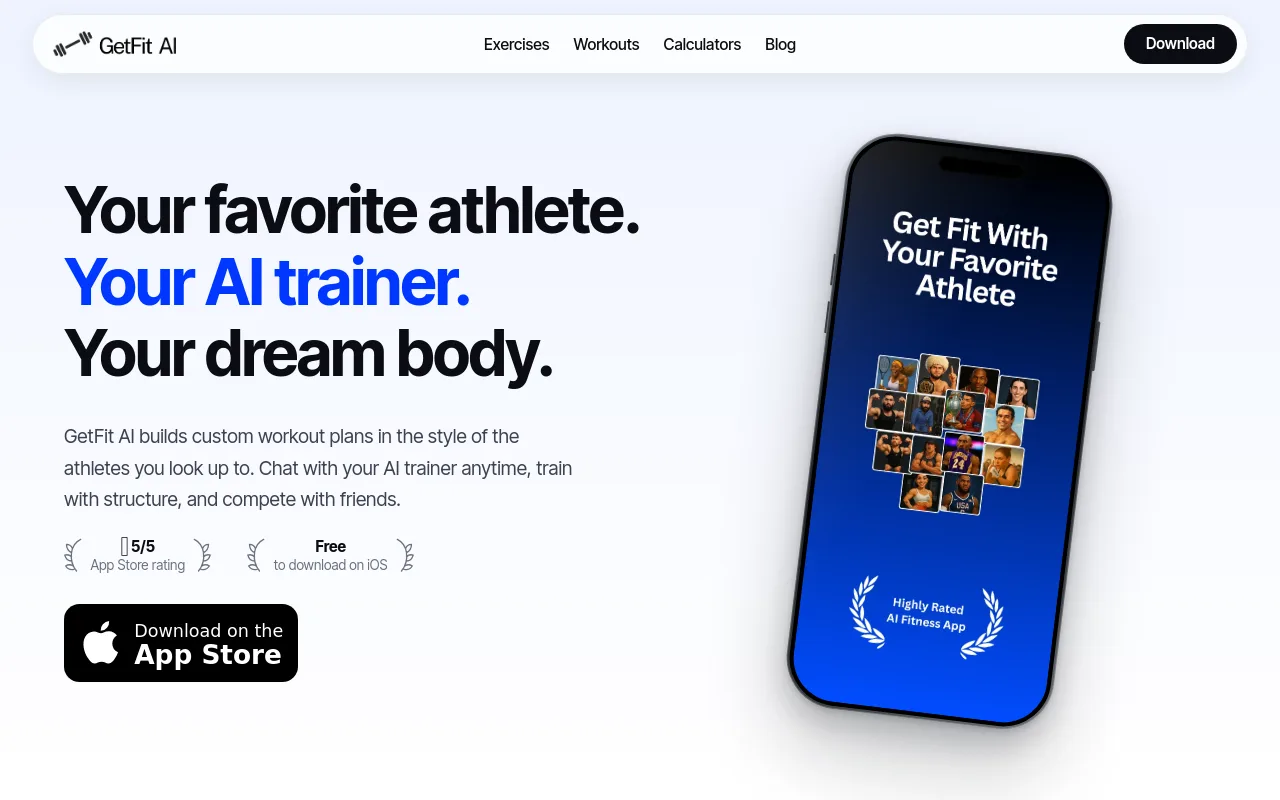
The best workout apps for strength training and weightlifting in 2026 go beyond logging sets; they tell you exactly what to do. GetFit AI does this through two routes: build a fully custom AI workout plan around your goals and available equipment, or choose an athlete’s training style and follow a plan built around their actual methodology.
The structured training layer matters most for lifters who have previously struggled with consistency because they lacked a clear program. GetFit AI’s structured plans activate from the first workout session and adapt continuously across the overall training arc, so progressive overload is built in rather than left to guesswork. That same structure is what keeps users training past week three, the point where most self-directed logs go quiet.
The athlete-style engine adds a second layer of intent. If you can picture the athlete whose output or physique you want to replicate, and you want to train the way that athlete trains, that mental clarity is the condition that makes GetFit AI’s Athlete-Style Custom Workout Plans worth choosing over a generic program. It also addresses the nutritional side of the equation: for lifters whose real frustration is that the training isn’t showing up in the mirror, GetFit AI surfaces nutritional context alongside training so both variables move together rather than one optimizing in isolation.
Social accountability completes the retention loop. Friends, challenges, and leaderboards are most rewarding once at least one friend or workout partner is also on the app. After that first connection, the competitive layer becomes the mechanism that sustains effort well past the early weeks.
GetFit AI is available on a Premium Weekly plan at $1.99/week, a Premium Monthly plan at $4.99/month, or a Premium Yearly plan at $49.99/year. The honest trade-off is that the social and competitive features are most rewarding once your circle is on the app too.
2. SHRED App: Best for Structured Hypertrophy Programs
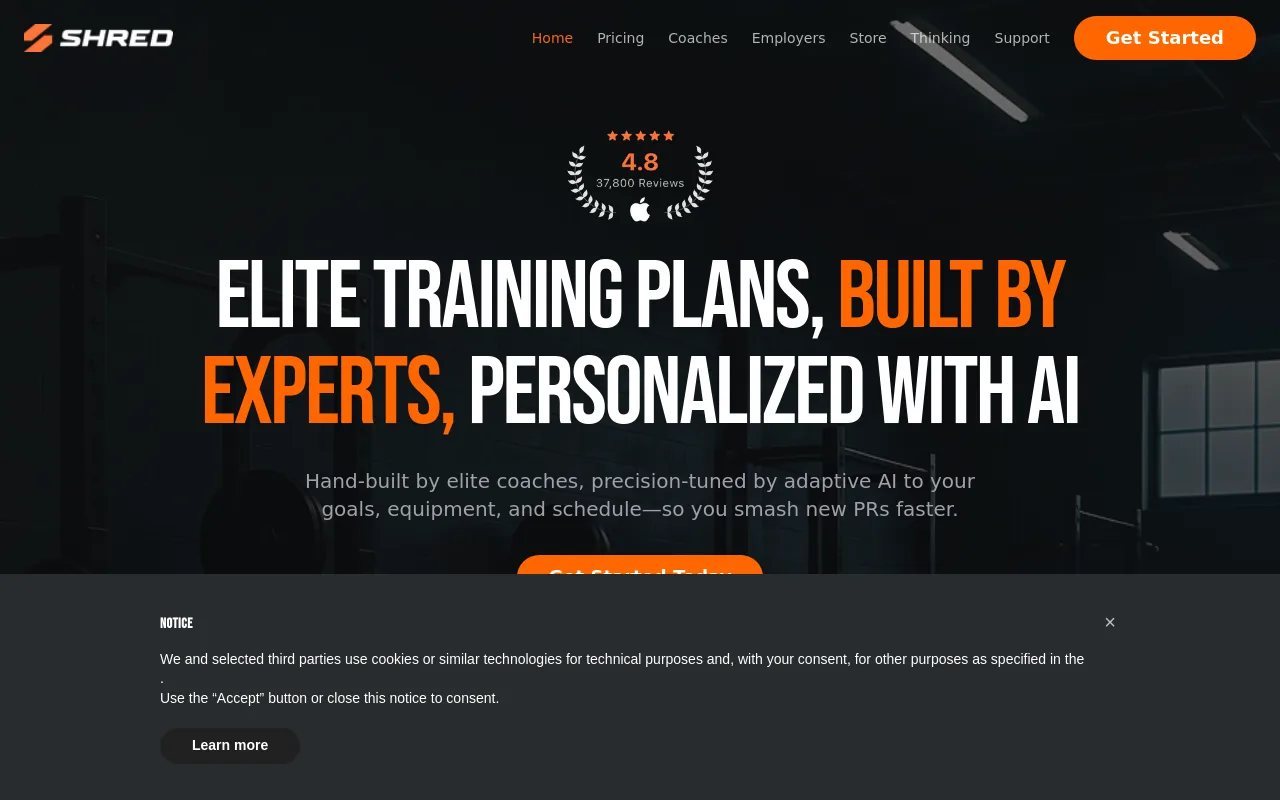
For building muscle specifically, SHRED App is best for hypertrophy through structured, high-intensity weightlifting programs built by coaches and tuned by adaptive AI to your goals, equipment, and schedule. If hitting PRs inside a proven hypertrophy block is the goal, SHRED App delivers that structure with less setup friction than building from scratch. Lifters who want to mirror a particular athlete’s methodology or need deep nutritional integration will find the customization ceiling lower than they’d like.
3. FitnessAI: Best for Data-Driven Progressive Overload
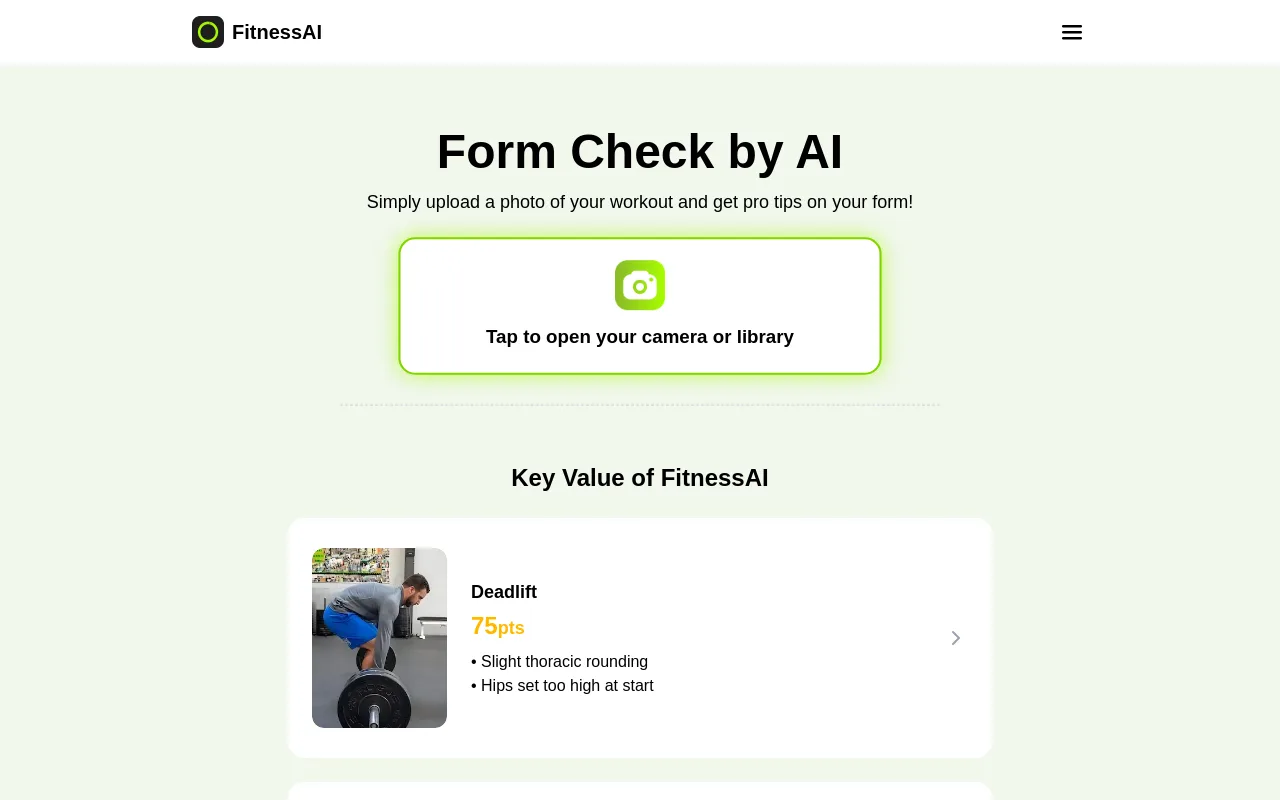
For lifters who want their plan to emerge from real training data rather than coach intuition, FitnessAI draws on a large pool of logged training sessions to generate automatic weight recommendations that adjust based on how you actually performed, removing the guesswork from load selection session to session. The trade-off is that the plan optimizes your numbers without anchoring to a specific training identity or style, and without a role model’s framework to guide the shape of the program.
Best Gym Workout Tracking and Logging Apps: So Progress Is Never a Mystery
Logging your workouts and actually training with a plan are two different things. The best gym workout tracking and logging apps in 2026 are genuinely excellent tools for experienced lifters who already know what they’re doing. For beginners, though, they carry a quiet trap: a log without a program behind it just archives confusion in a cleaner format.
Here is the honest picture. Hevy crossed 16+ million athletes and became the #1 workout tracker in the world, according to its own App Store presence. That scale is real, and the app earns it. But Hevy’s team openly acknowledged the gap in that same recap, announcing a forthcoming “Hevy Trainer” feature designed to personalize programs and handle progressive overload, because logging workouts and following a structured plan are not the same product. Even the market leader sees the difference.
The pattern shows up constantly among new gym-goers: burning through four or more tracking apps inside of two months, never finding one that truly fits, and eventually deciding the problem is motivation rather than the missing program underneath. It is not a motivation problem. It is a map problem.
Each new app carries its own setup curve and learning overhead, and none of that friction produces a single rep of progress. Then, when the log is finally running, a separate frustration surfaces: genuine uncertainty about whether the numbers going in actually mean anything. Sets are recorded, sessions stack up, but without visibility into volume trends and personal records, the log is a diary with no narrative arc.
That uncertainty is compounded when the features that would answer it, PR history, volume analysis, meaningful progress analytics, are gated behind subscription paywalls of five or six euros a month, making real insight feel like a luxury add-on rather than a core part of training.
Giving a beginner a sophisticated log before they have a repeatable routine is like installing a dashboard in a car with no engine. The display looks impressive. The car still does not move.
If you have tried one of these apps and still walked out of the gym unsure whether you actually made progress, the log was not the problem. The missing layer is a plan that tells you exactly what to do today, which exercises, how many sets, in what order, adjusts as you get stronger, and gives you a clear answer when you are mid-session and the squat rack is taken and you need to swap an exercise on the fly without derailing the whole session. That is where GetFit AI sits above any tracker.
The athlete-style custom workout plan comes first, built from your first session, so you are never standing in the gym wondering what to do next or how to fill the hour without looking lost. When the gym is packed and your programmed exercise is unavailable, the plan flexes with you rather than leaving you to improvise. And because GetFit AI includes progress analytics, whatever you record afterward is finally measuring real, intentional progress, not educated guesswork.
The log has something worth logging.
For those who have previously struggled with consistency because they lacked program structure, GetFit AI’s structured training approach is most valuable from that very first workout session, carrying through each session and across the full training arc. The social layer, friends, challenges, and leaderboards, adds a retention mechanism that keeps users training past the third week, the point where most app-hoppers have already moved on to the next download. It is most effective once you have at least one friend or training partner using GetFit AI alongside you, turning a private log into shared accountability.
On pricing, GetFit AI’s Premium tier is available at $1.99 per week, $4.99 per month, or $49.99 per year, transparent, flat-rate access with no essential features held back to justify the next tier.
With that framing in place, here are the best gym workout tracking and logging apps ranked honestly, including who each one is actually built for, and when a tracker alone won’t cut it.
1. Hevy: Best Free Gym Log with Apple Watch Integration and Progressive Charts
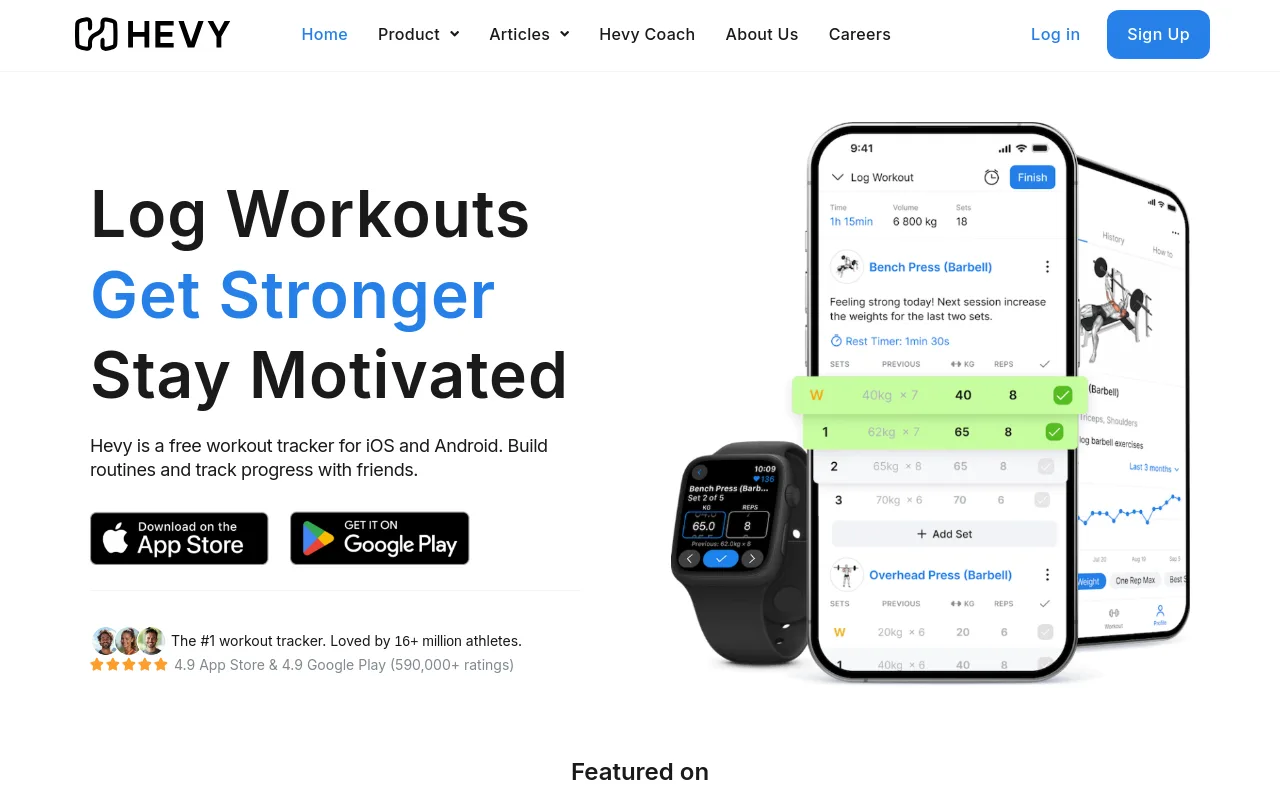
Hevy is the go-to tracker for lifters who want clean, visual progress data without paying a premium. Its Apple Watch integration, exercise history charts, and highly-rated free tier make it ideal for intermediate gym-goers who train consistently and want to see trends over time. The one real tradeoff: it logs what you do but won’t tell you what to do next, progressive overload suggestions are absent.
2. Strong: Best Minimalist Log for Lifters Who Already Have a Program
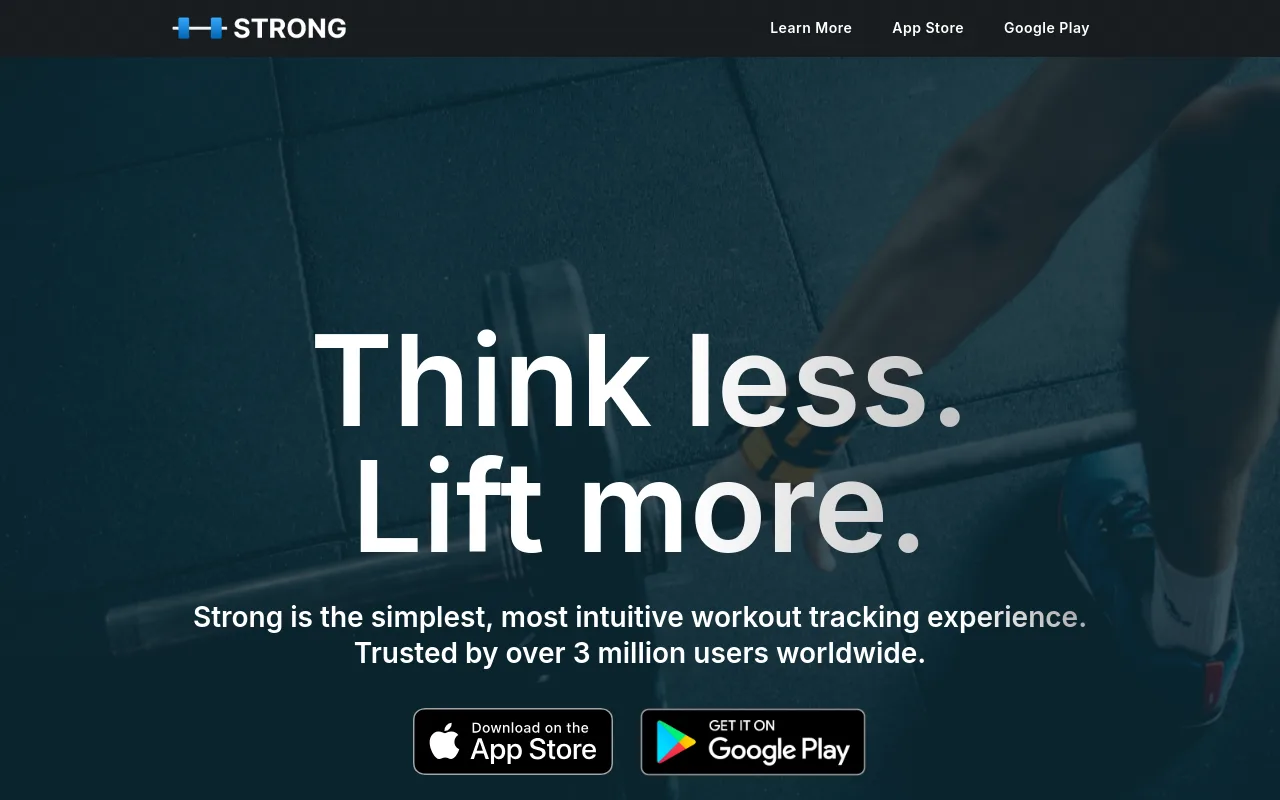
Strong is built for the lifter who walks into the gym knowing exactly what they’re doing and just needs a frictionless way to record it. The interface stays out of the way, no coaching prompts, no upsells mid-session, no clutter. Trusted by over 3 million users, it’s available on both iOS and Android. The tradeoff is that it offers almost no guidance, making it a poor fit for beginners who need structure.
3. Liftosaur: Best for Advanced Lifters Who Want Spreadsheet-Level Programming Control
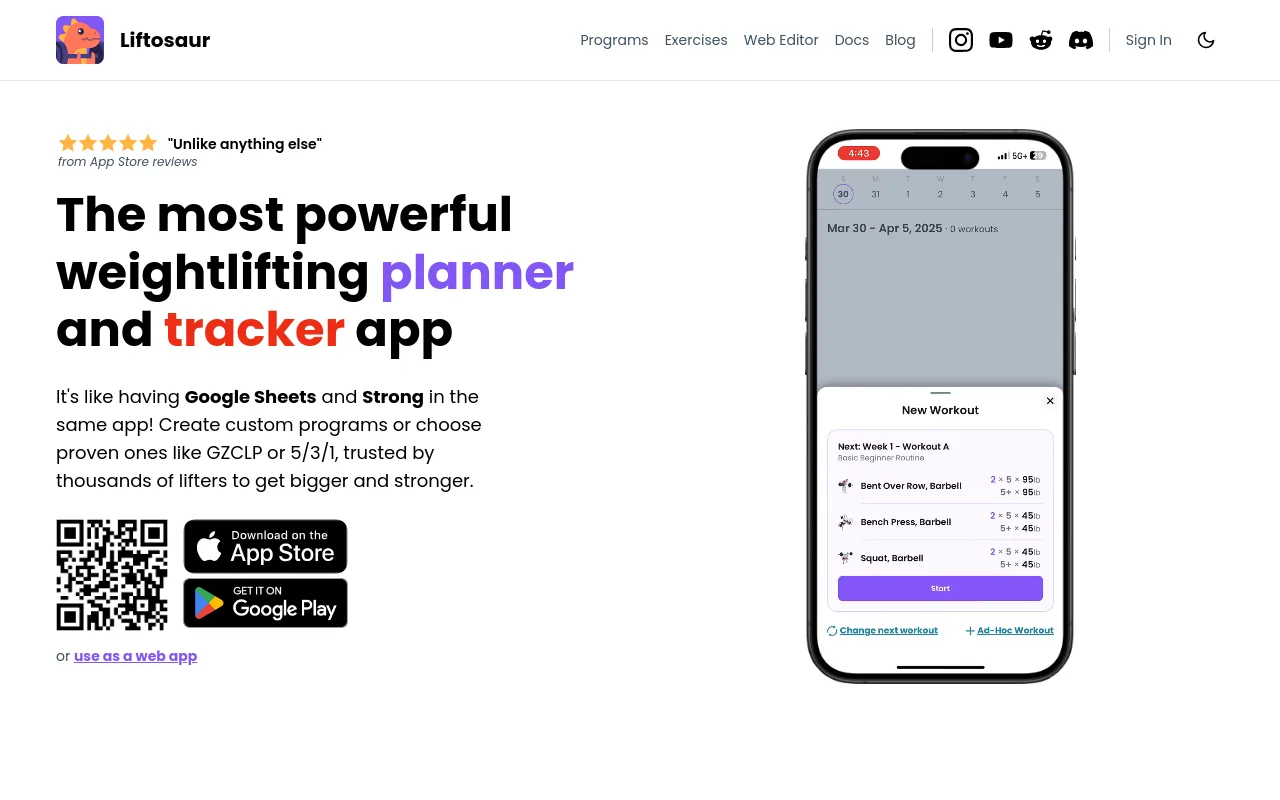
Liftosaur bridges the gap between a tracking app and a fully programmable training spreadsheet. It lets advanced users build custom progression schemes, automate weight and rep targets, and even replicate complex programs like RP Hypertrophy. It’s available on iOS and Android. The steep learning curve makes it overkill for casual gym-goers, but for data-driven lifters who want total control, nothing else comes close.
4. Alpha Progression: Best for Lifters Who Want Automatic Progressive Overload Suggestions
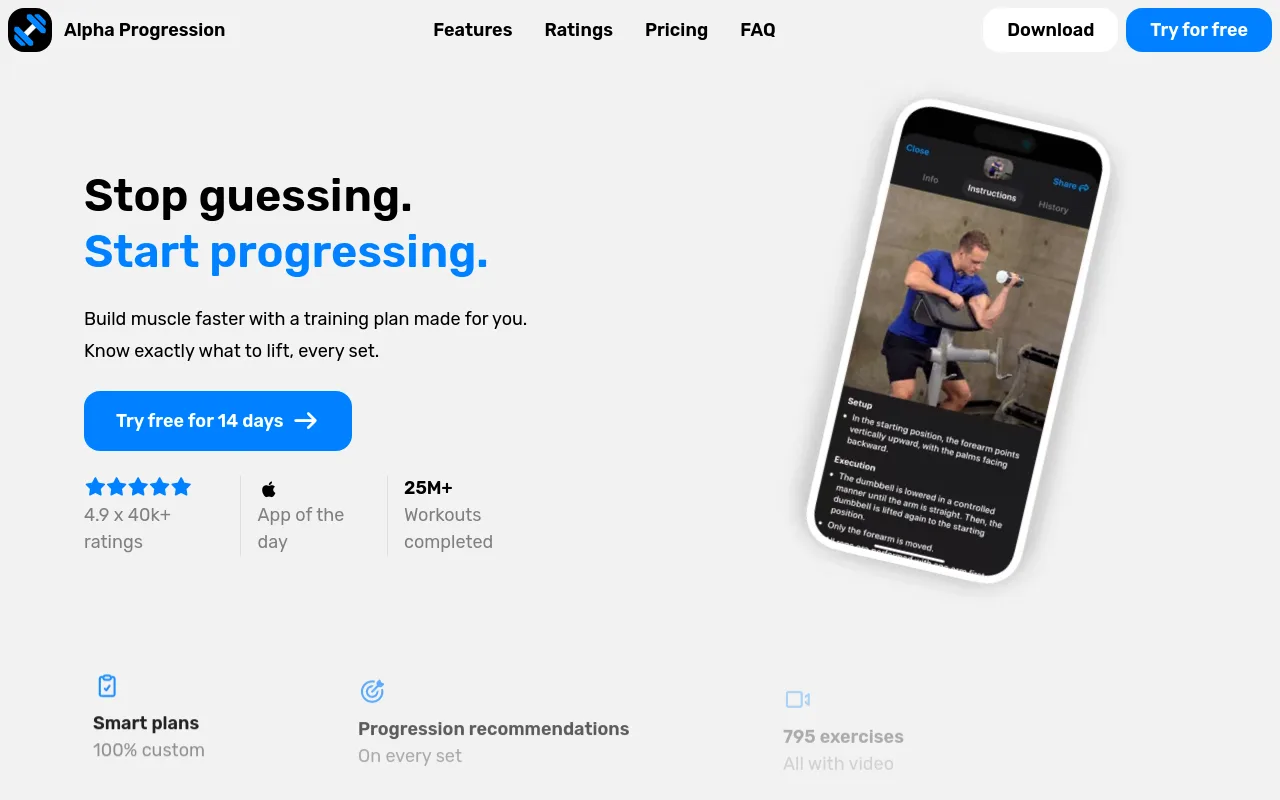
Alpha Progression fills the gap that pure loggers like Hevy leave open: it actively suggests weight and rep targets for each set based on your predicted 10-rep max and RPE targets. It’s the right pick for intermediate lifters who follow structured hypertrophy programs and want data-driven nudges rather than guesswork. The tradeoff is cost, meaningful features sit behind a paid subscription, and the free tier is limited.
5. Setgraph: Best for Lifters Who Want a Clean Log Tested Against Real-World Use
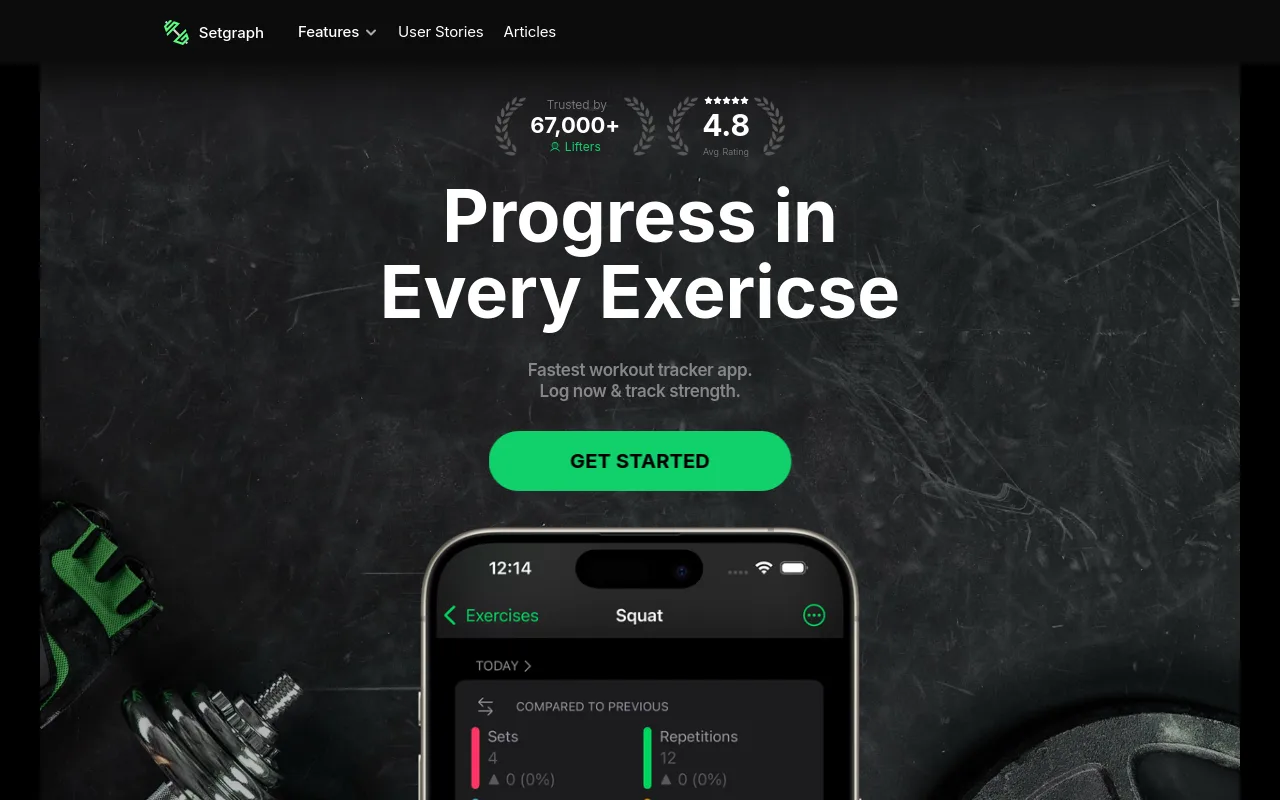
Setgraph positions itself as a workout logger built with direct input from active lifters, emphasizing ease of use and strength training focus over feature bloat. It’s a strong pick for gym-goers who’ve bounced between apps and want something that feels purpose-built rather than ported from a general fitness platform. Available on iOS. The limitation is that it’s less established than Hevy or Strong, so the community and exercise library are smaller.
6. Gym Pal: Best Lightweight Tracker for Casual Gym-Goers on iOS
Gym Pal is a no-frills workout tracker on iOS designed for gym-goers who want to log sessions quickly without committing to a complex ecosystem. It suits beginners or recreational lifters who train a few days a week and don’t need advanced analytics or Apple Watch sync. The tradeoff is depth, it lacks the progressive charting and community features that more serious trackers offer, making it a starter app rather than a long-term home.
7. Liftpro: Best for Gym-Goers Who Want a Structured Tracker with a Modern Interface
Liftpro is a newer iOS gym tracker that combines workout logging with a polished, modern UI aimed at lifters who care about the experience as much as the data. It’s a good fit for intermediate gym-goers who want more visual appeal than Strong’s spartan design but less complexity than Liftosaur. The tradeoff is maturity, as a newer entrant, its exercise library and long-term reliability haven’t been battle-tested at scale.
8. StrongLifts 5x5: Best Single-Purpose Tracker for Beginner Barbell Lifters
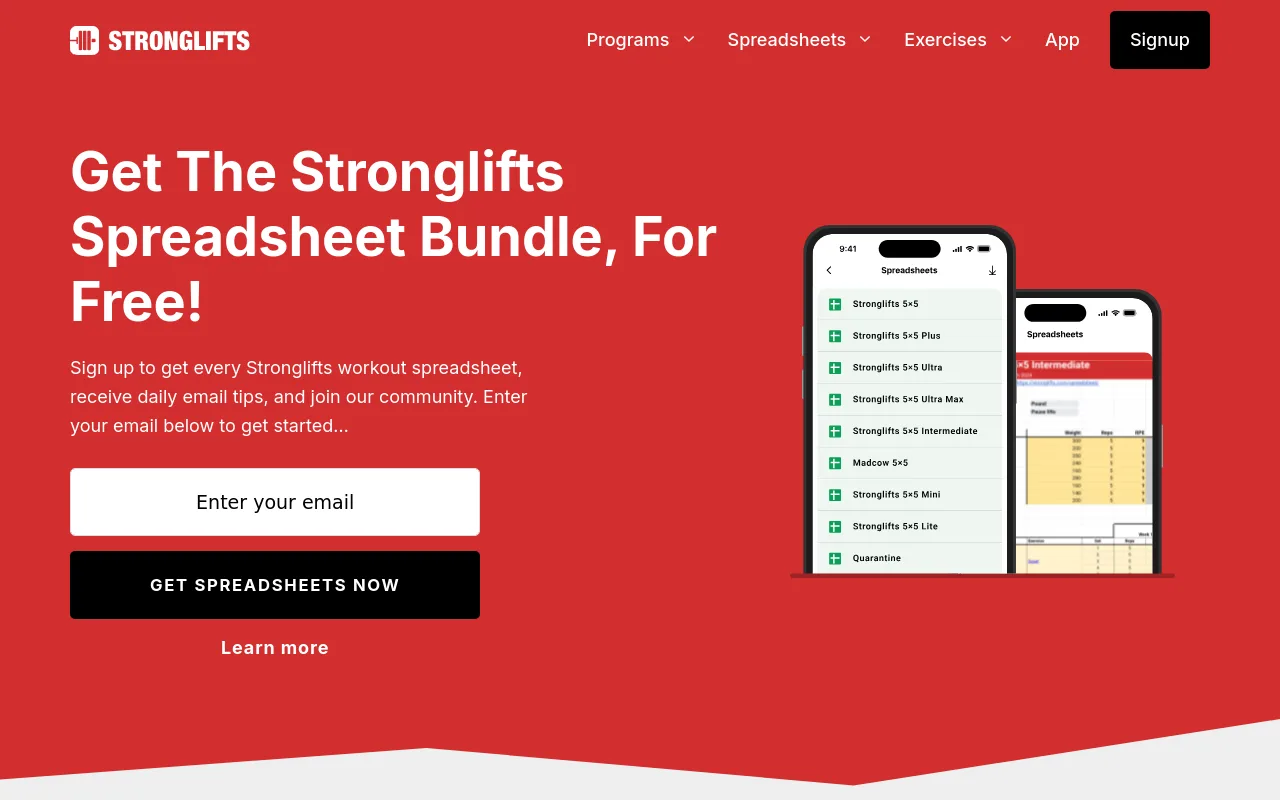
StrongLifts 5x5 is purpose-built around one program and does it exceptionally well, it automatically adds weight each session and tells you exactly what to lift. For beginners starting with compound barbell movements, this removes all guesswork and pairs a tracker directly with a proven plan. Available on iOS and Android. The hard limitation is its narrow scope: once you outgrow the 5x5 program, the app has little left to offer.
9. Push: Best for Lifters Who Want RPE- and RIR-Based Automated Progression
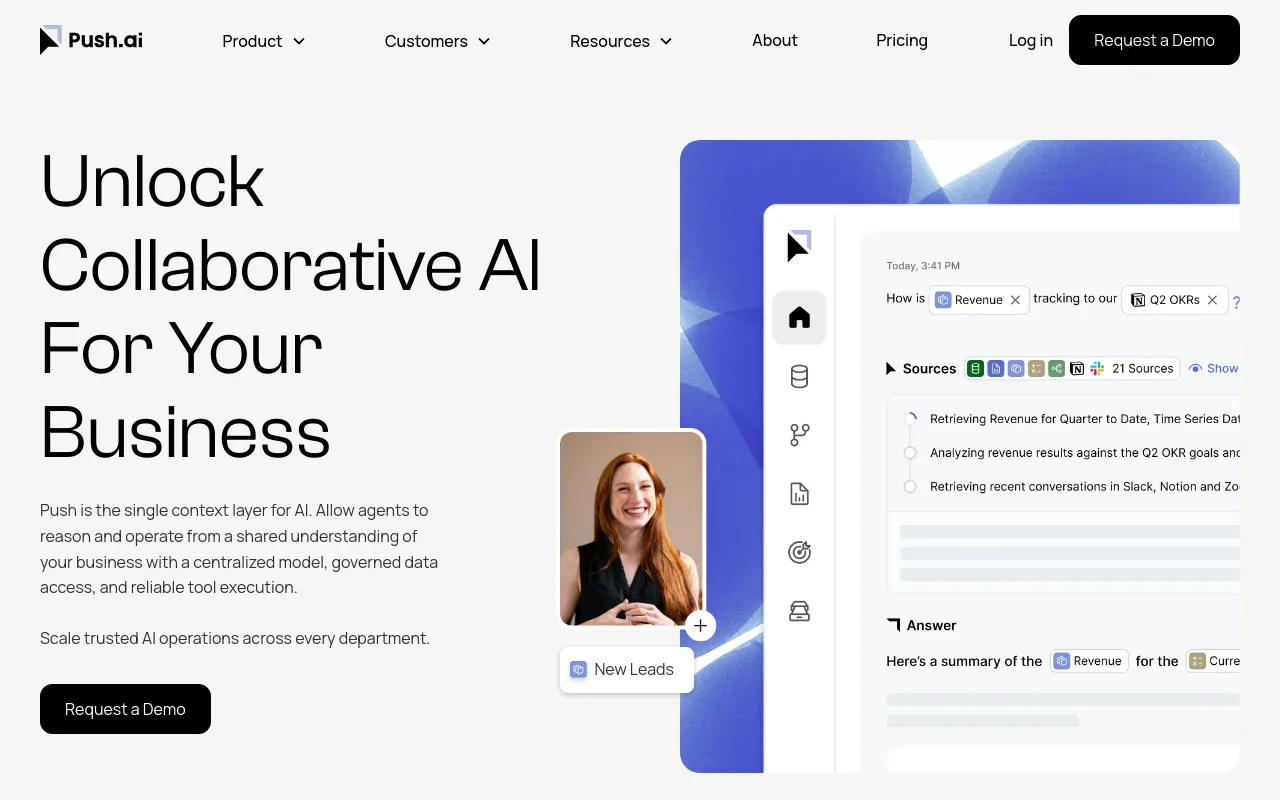
Push automates progressive overload based on the RPE or RIR you log after each set, adjusting future targets dynamically rather than applying a fixed weight increment. It’s the right pick for intermediate-to-advanced lifters running evidence-based programs who want the app to respond to how hard a set actually felt. The tradeoff is that the algorithm has reported bugs, and it’s a paid app with no meaningful free tier to trial the core features.
10. Jefit: Best for Lifters Who Want a Large Community Exercise Library
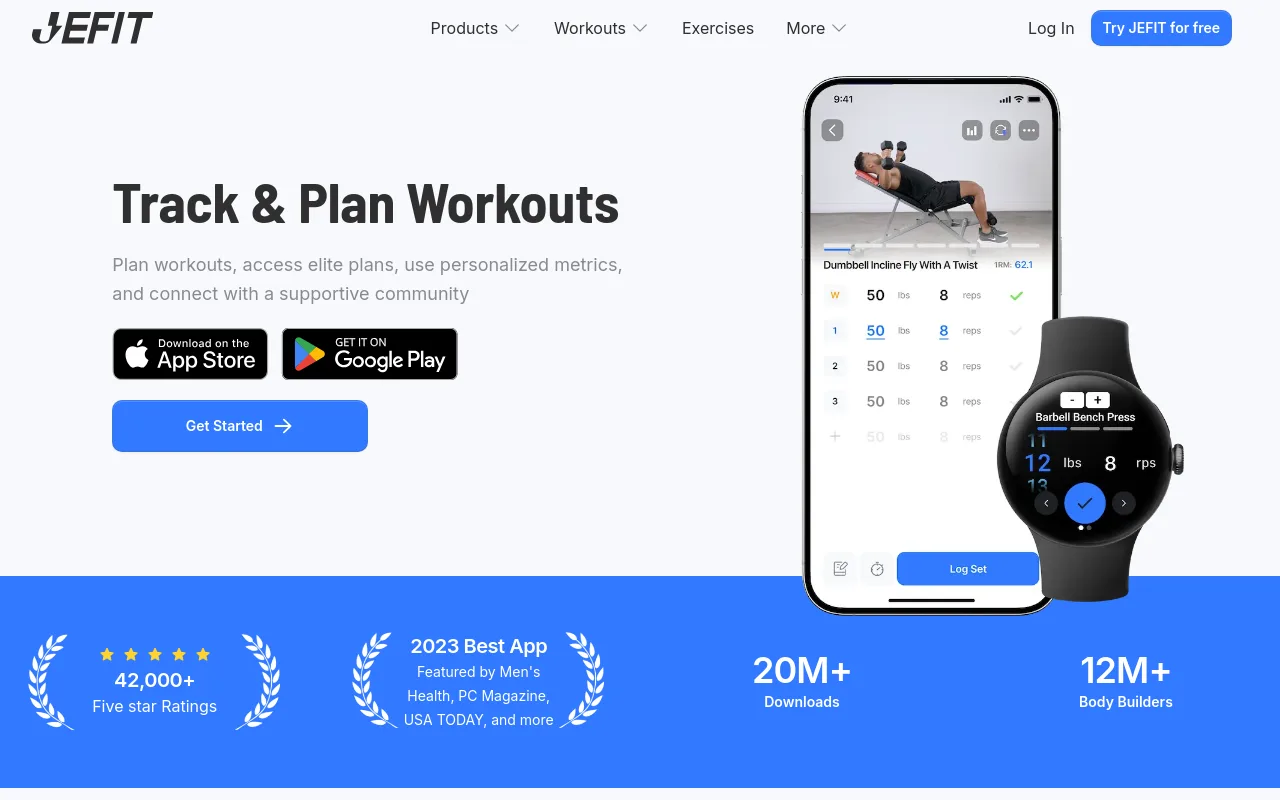
Jefit built its reputation on one of the largest community-sourced exercise libraries available in any gym tracking app, making it useful for lifters who frequently rotate movements or follow varied programs. It’s available on both iOS and Android. The key tradeoff that has driven users away, including toward Hevy, is that Jefit has progressively moved core features behind its subscription paywall without offering a lifetime purchase option.
11. Strive Workout Log: Best for Hypertrophy-Focused Lifters Who Want Structured Tracking
Strive Workout Log is designed with hypertrophy and strength progression explicitly in mind, making it a strong fit for intermediate lifters running structured muscle-building programs who want their tracker to reflect training science rather than generic fitness goals. It covers both iOS and Android. The tradeoff is discoverability, it’s a smaller platform compared to Hevy or Strong, so onboarding resources and community support are less developed.
12. Meso (by MesoStrength): Best for Science-Based Lifters Running Periodized Programs
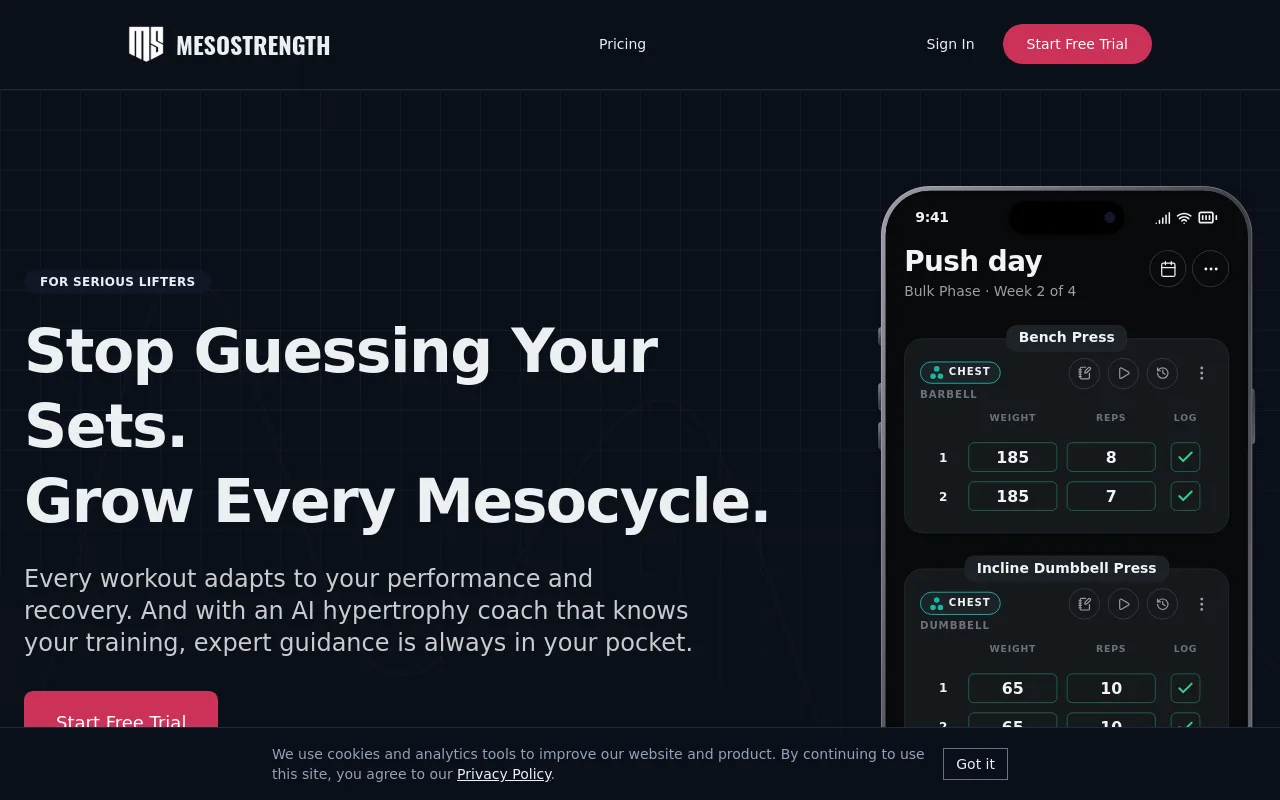
Meso is built around the principles of periodization and progressive overload as understood in evidence-based strength and hypertrophy training. It’s the right pick for lifters who follow structured mesocycles and want their app to reflect concepts like volume landmarks and fatigue management rather than just raw numbers. Available on iOS and Android. The tradeoff is complexity, the learning curve is steep for anyone not already fluent in training theory.
13. Strengthlab360: Best for Lifters Who Want Algorithm-Driven Progression with RIR Automation
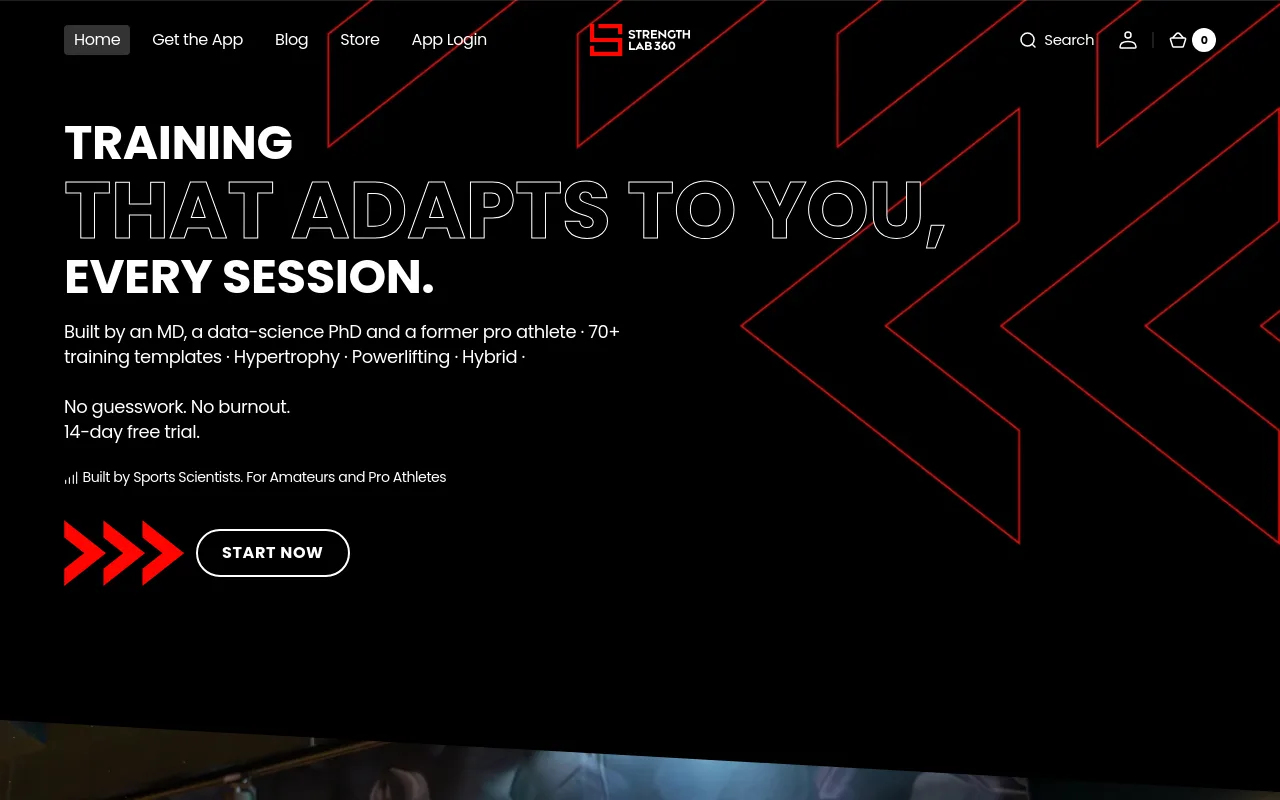
Strengthlab360 uses a proprietary algorithm to automate progressive overload based on logged RIR, adjusting load and volume targets across sessions without requiring manual input. It’s built for intermediate-to-advanced lifters who want a structured, self-adjusting program rather than a passive log. Available on iOS and Android. The tradeoff is that it launched recently and is still adding features, so edge cases and UI polish lag behind more established competitors.
Related Reading
- Do Pull Ups Work Chest
- Grip Strength Norms
- Average Deadlift Weight
- 1 Rep Max Chart
- Average Male Deadlift
- Good Bench Press Weight
- Weightlifting Standards
- Average Bench Press Kg By Age
- Average Deadlift Weight Kg
Best Home Workout Apps With No Equipment Required
Bodyweight training has shed its reputation as a consolation prize for people who cannot afford a gym.
The best home workout apps for no-equipment training in 2026 deliver structured multi-week plans, adaptive coaching, and thousands of class options that match or beat what most gym-goers actually follow on the floor. But before ranking them, one finding reframes the entire category: home workout apps with large free libraries remove every logistical barrier to starting, no gym, no gear, no cost, yet Home Workout is a home gym equipment retailer selling physical products such as treadmills, functional trainers, resistance bands, and boxing stands, not a free app with a digital workout library.
That distinction is the lens this guide uses to evaluate every app below. Access is solved. The persistent problem is that most apps hand you a library of 200 workouts and leave you guessing which one to open today.
Consider the three situations that send people to home workout apps in the first place. Some are working 12-hour shifts and simply cannot make consistent gym visits fit into their week. The commute alone kills the habit before it starts. Others feel genuinely intimidated by traditional gym environments and intense, intermediate-level plans that assume a fitness baseline they haven’t built yet.
And a quieter but very common struggle is being stuck in a skinny-fat body composition, not overweight enough to follow a straight fat-loss plan, not lean enough to follow a pure muscle-building plan, with no clear signal from a content library about which direction to actually train. What all three of these situations share is the same root problem: the app provides content but no direction. A video library, however large, cannot fix that on its own.
What fixes it is a feedback loop, something that tells you whether today’s session is moving you toward your goal, and what to do next. That is where structured programming separates the apps worth keeping from the ones that quietly disappear off your home screen by week four.
GetFit AI is built around this specific gap. Its Structured Training feature is most beneficial when a user has previously struggled with consistency due to lack of program structure, and it begins delivering that structure from the very first workout session. From session one, each workout sits inside a broader program arc so you always know what you did yesterday, what you’re doing today, and where both sessions are going. For users with a clear athletic role model or a specific physique or performance goal, GetFit AI’s Athlete-Style Custom Workout Plans translate that target into a concrete training path rather than leaving you to guess which template approximates what you’re after.
The social layer matters too, and not as a feature checkbox. GetFit AI’s friends, challenges, and leaderboards are most beneficial after you’ve connected with at least one friend in the app, and they function as the retention layer that keeps users training past week three, which is statistically when most people stop. Premium access starts at $1.99 per week, $4.99 per month, or $49.99 per year, making the structured-coaching tier accessible at a price point well below a single gym drop-in class.
1. Nike Training Club: Best Free Bodyweight & HIIT App for Home Workouts
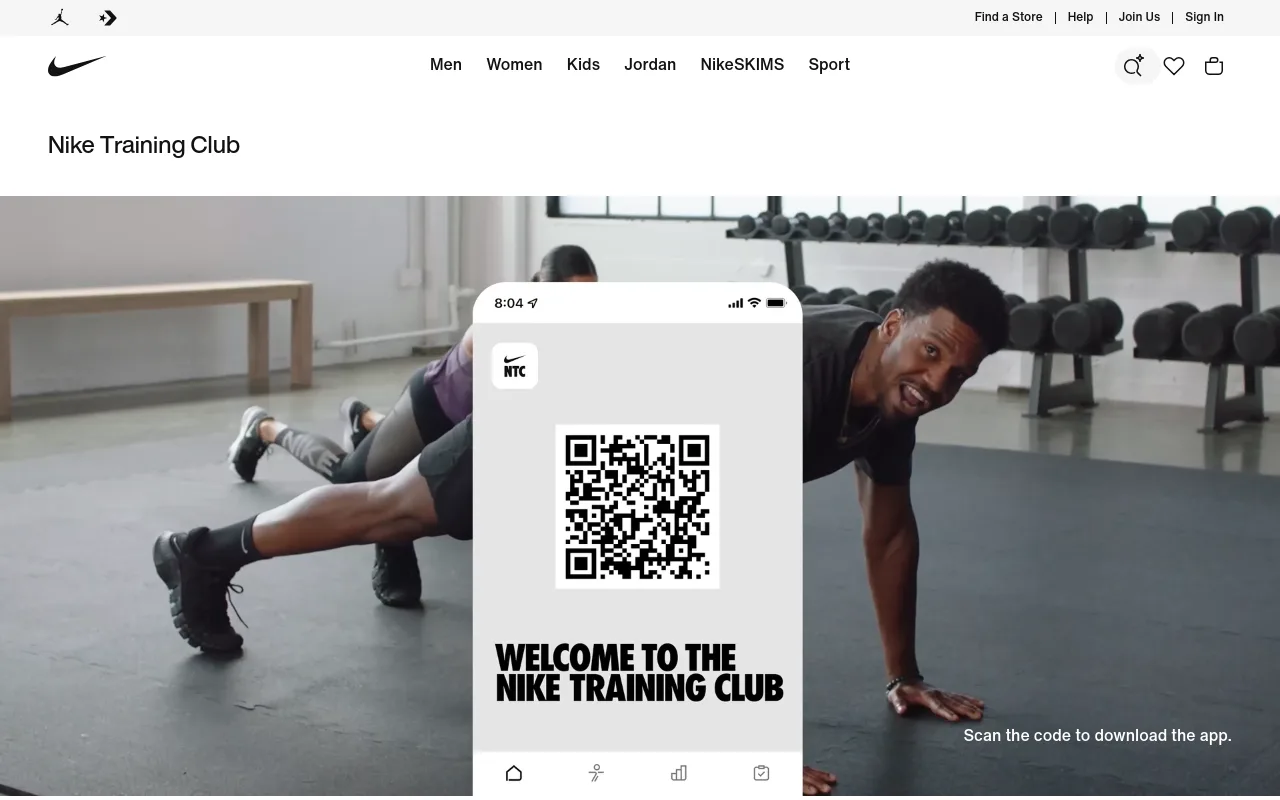
Nike Training Club earns the top spot for no-equipment home training because its library, which covers an ever-growing collection of free workouts according to Nike’s own app listing, spans bodyweight, yoga, HIIT, and cardio sessions that require zero gear. The tradeoff is that NTC is a class library, not a progressive program. It works best for people who already know how to self-direct and just need high-quality, coach-led sessions to follow. Nike Training Club explicitly offers goal-setting tools, progressive workout programs, and guidance on which workout to do next, directly contradicting the claim that it will not answer the question of which workout to open next.
2. Peloton App: Thousands of Live & On-Demand Classes With No Bike Required
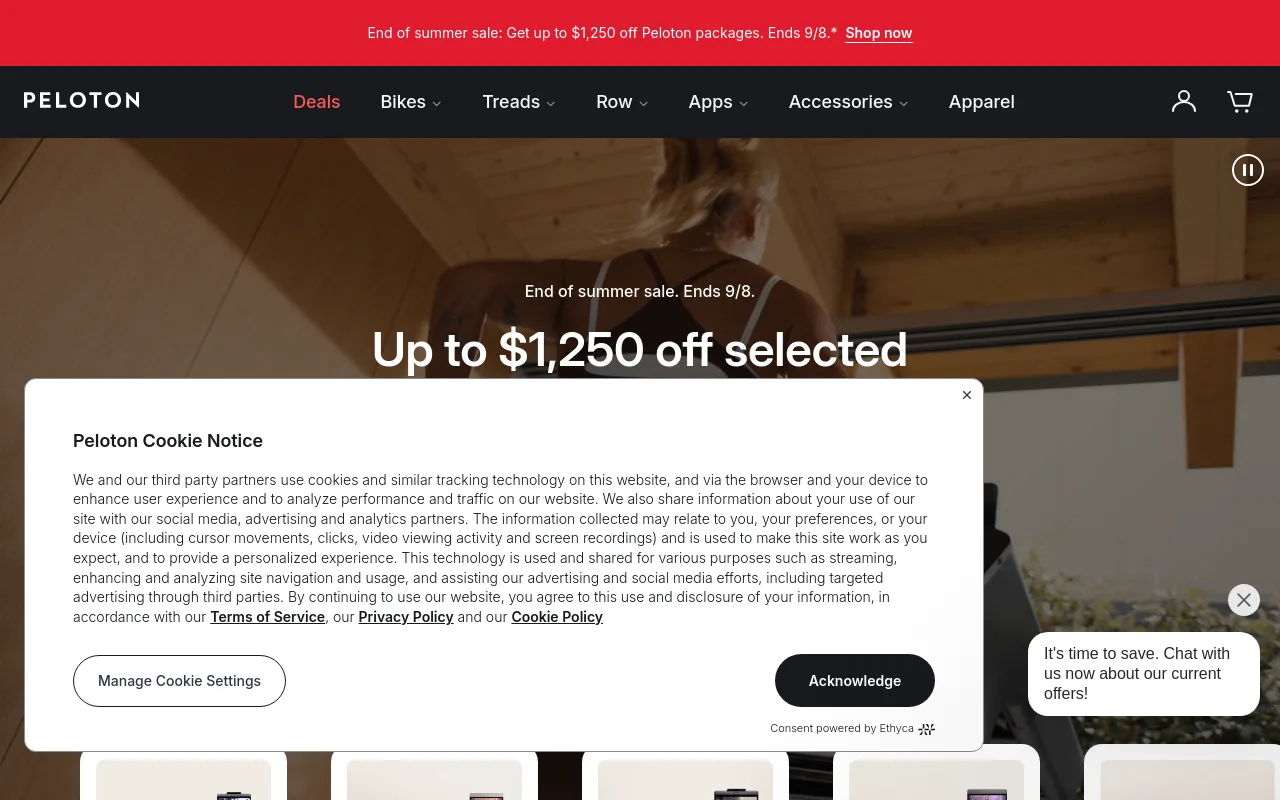
The Peloton app offers thousands of live and on-demand cardio, HIIT, strength, and yoga classes with no Peloton bike required. That cost is worth it if variety and instructor energy keep you consistent; it’s harder to justify if you need a structured progression plan rather than a rotating class schedule.
3. Fitbod: Equipment-Aware Session Builder That Adapts to Your Home Setup
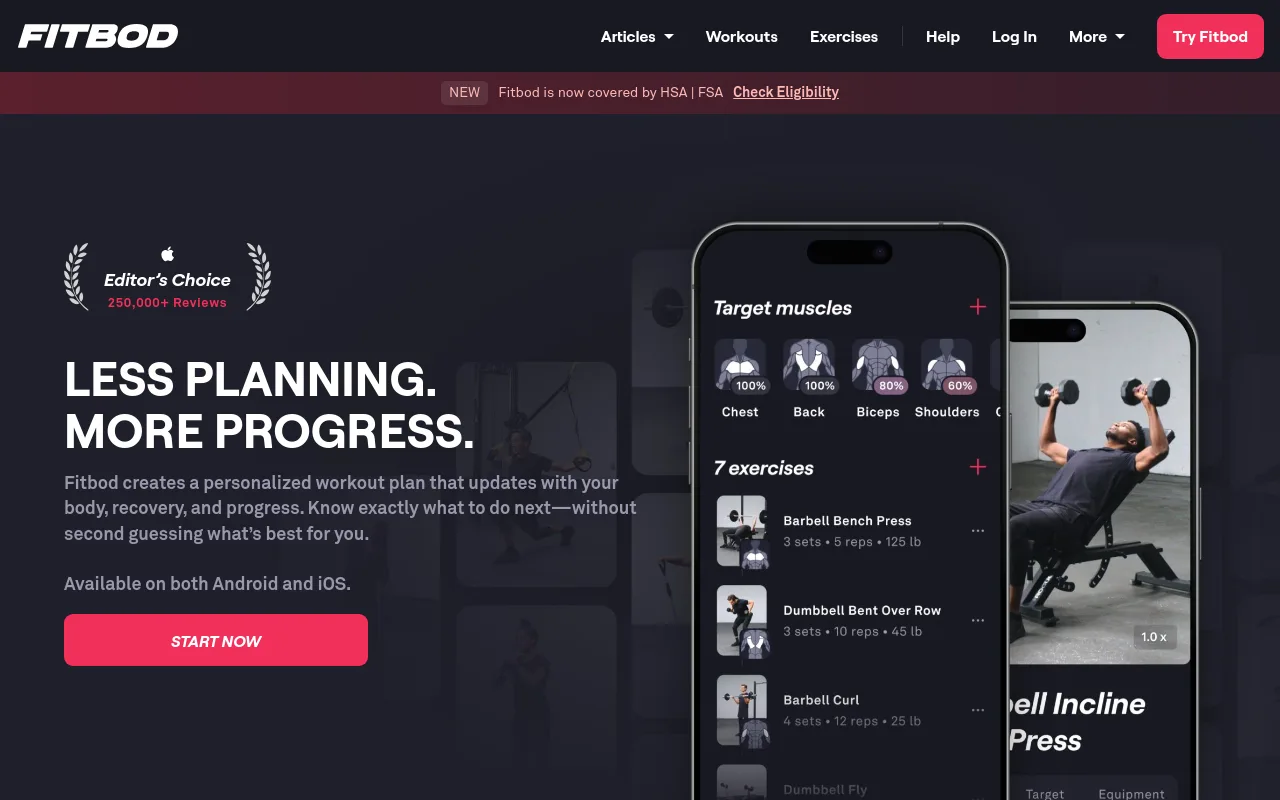
Fitbod’s core strength is reading what equipment you have available and generating a session around it, making it genuinely useful for home athletes with a single set of dumbbells or a resistance band. It applies progressive overload automatically, so sessions get harder as you log more data. The limitation for home users is that Fitbod optimises individual sessions well but gives you less visibility into the multi-week program arc. You know what to do today, but the bigger picture of where the next eight weeks are going remains opaque.
4. Freeletics: Bodyweight HIIT App With Adaptive AI Coaching for Home Athletes
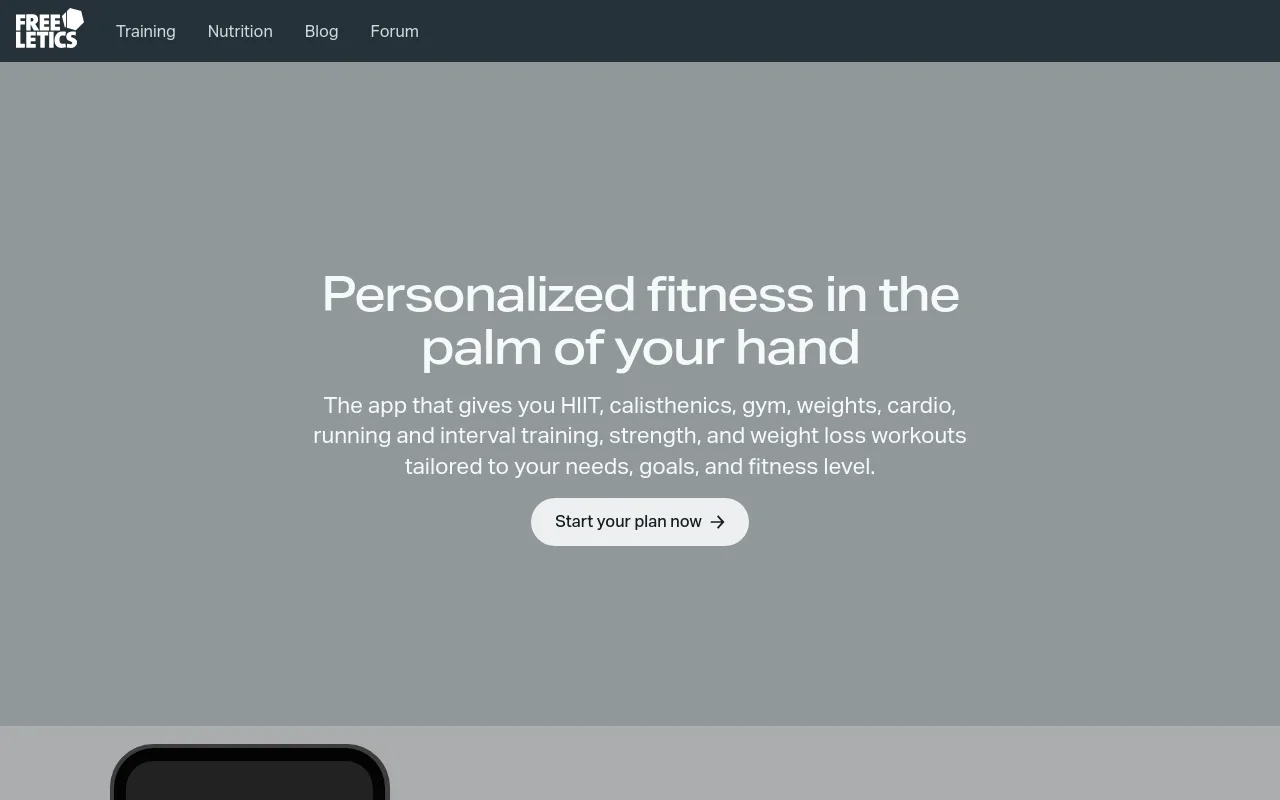
Freeletics is a dedicated bodyweight training app built around high-intensity interval workouts that require no equipment. Its AI coach adapts session difficulty based on performance feedback, making it a strong pick for home athletes who want progressive overload without weights. It’s particularly well-suited to users comfortable with demanding workouts. The tradeoff: the intensity curve can be steep for true beginners, and the coaching features sit behind a paywall.
5. Home Workout: No Equipment App, Beginner-Friendly Daily Bodyweight Routines
This Google Play staple offers simple, structured daily bodyweight routines designed for users who want a low-friction entry point to home fitness. Workouts are short, visual, and require no gear whatsoever. It’s the right pick for absolute beginners who need guided sessions without complexity. The key limitation flagged by users is a lack of lower-body variety and no dark mode, making it a starting point rather than a long-term training solution.
6. BODi (Beachbody On Demand): Structured No-Equipment Programs With Progress Tracking
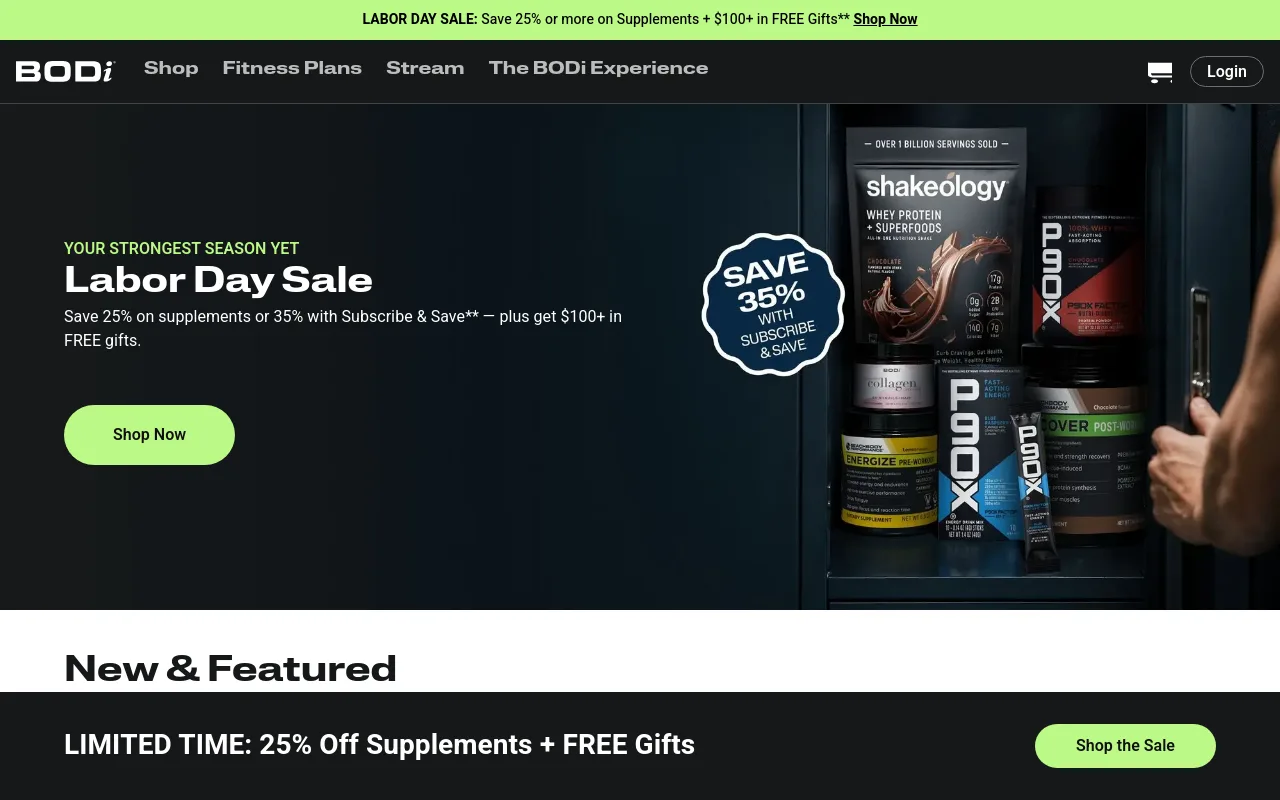
BODi offers a broad catalog of no-equipment full-body programs from professional trainers, with built-in progress tracking and completed workout logs. It’s the best pick for home exercisers who want structured multi-week programs that build on themselves rather than random daily workouts. The tradeoff is price, BODi is a paid subscription, but the trainer quality and program structure justify the cost for committed users.
7. Running Apps as a Cardio Complement: How Outdoor Running Apps Pair With Home Workout Apps
Home workout apps and running apps naturally overlap for cardio-focused users. Apps like Nike Run Club or Couch to 5K handle outdoor cardio while a home workout app covers strength and flexibility, together forming a complete no-equipment fitness stack. This pairing is worth acknowledging for users who want variety beyond indoor sessions. The limitation: managing two separate apps adds friction, and some all-in-one platforms like Peloton already include guided outdoor runs.
8. The Three Core App Categories: Running, Gym, and Home Workout Apps Explained
Understanding the three main workout app categories, running apps, gym-based apps, and home workout apps, helps users choose the right tool for their context. Home workout apps prioritize no-equipment bodyweight training; gym apps assume access to weights and machines; running apps focus on outdoor cardio. For equipment-free home training, the home category is the primary focus, though running and gym apps can complement it depending on lifestyle and goals.
9. Keep Fitness App: Free Structured 4-Week Plans for Equipment-Free Home Training
Keep offers completely free 4-week structured exercise plans tailored to goals like weight loss or muscle building, with sessions running 20-30 minutes and requiring no equipment beyond a floor and wall. Its gamified point system rewards daily logins and completed workouts, which helps with consistency. It’s a strong pick for users who want a free, goal-oriented plan. The tradeoff: at advanced stages some plans suggest dumbbells, requiring creative substitution.
10. Fitness Blender on YouTube: Free Video-Led No-Equipment Workouts for Every Level
Fitness Blender’s YouTube channel functions as a free, app-like resource offering hundreds of structured no-equipment home workouts across all fitness levels and goals. It’s the best pick for users who want professional video-led training without any subscription cost or app download. The tradeoff is the lack of personalization, progress tracking, or adaptive programming, it’s a content library, not a coaching platform, so self-direction is required.
Related Reading
- Average Deadlift Weight For Male
- Best Calisthenics Workout App
- Best Hiit Workout App
- Best Gym Workout App
- Best Free Workout Apps
Best Workout Apps With 1-on-1 Coaching and Team Accountability
Paying more for a coaching app does not automatically mean better results. The real question is which accountability mechanism matches the specific moment where you fall apart.
Most beginners assume the spectrum runs from “free app with no help” to “expensive app with more features.” The actual spectrum runs from “no one checks on you” to “a human texts you every morning.” Those are not the same product at different price points. They solve different failure modes. The hidden cost of picking the wrong tier is the quiet drift that happens when you hit a wall at 10 PM with no one to ask and no fallback plan, so you pack up and go home.
Research on motivation quality complicates the case for maximum human contact. Extrinsic accountability mirrors the motivation type most correlated with long-term dropout. The highest-retention coaching model is the one that transfers goal ownership to you fastest while keeping expert guidance available on demand rather than on a fixed schedule.
1. GetFit AI: Best Workout App for On-Demand AI Coaching at the Lowest Cost
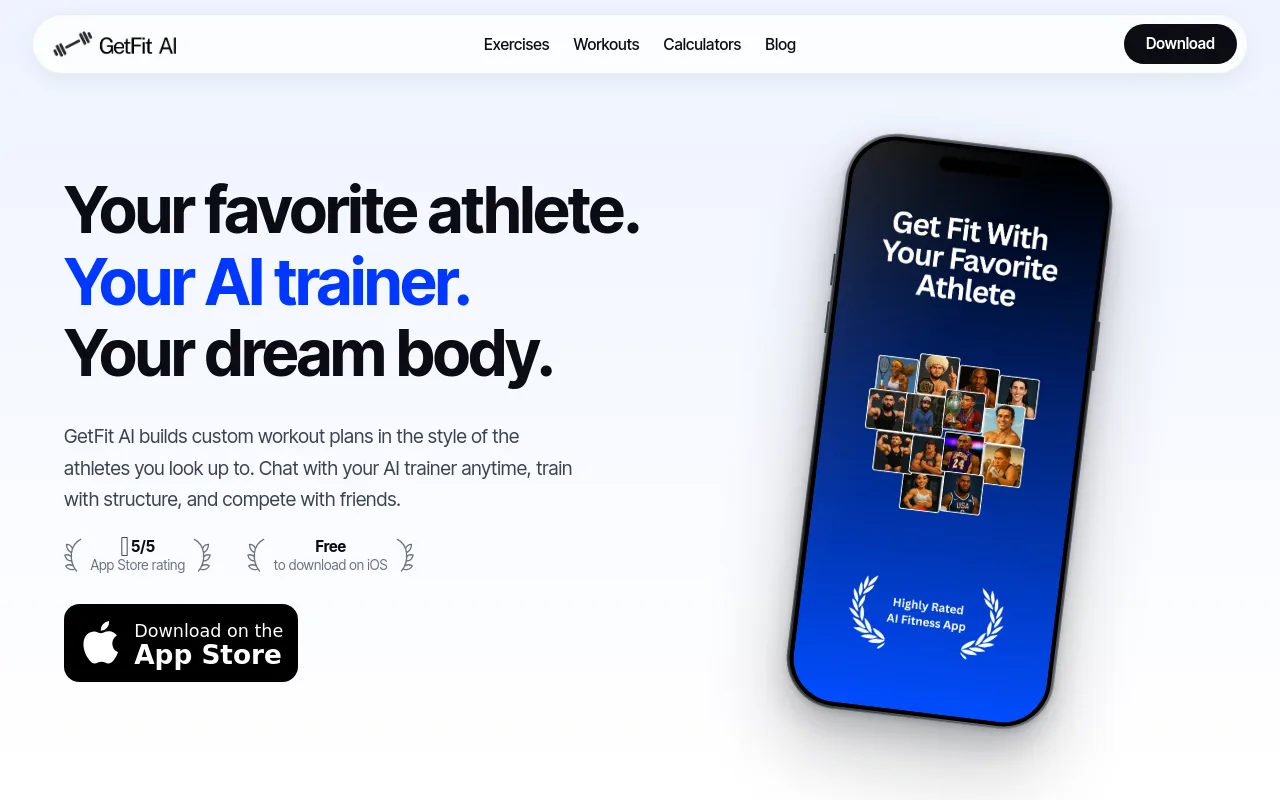
For beginners who cannot afford a human coach but need more than a static library, this AI fitness app builds athlete-style custom workout plans around your goals and available equipment from day one, then adapts as you get stronger, continuously, across the overall training program arc, not just session to session. That continuity matters more than it sounds. One of the most common frustrations beginners face is an app that generates a fresh random plan every week with no memory of what came before, making progressive training feel disconnected and pointless. GetFit AI is structured differently: the plan carries forward, session after session, so week four builds on week three rather than ignoring it.
The AI trainer chat answers form questions and mid-workout problems at any hour, which solves the exact failure mode most beginners face: getting stuck with no one to ask. This is also where rigid coach-check-in schedules break down. When coaching comments only become available the morning before a scheduled session, a beginner who plans several days ahead has no way to get guidance when they actually need it. On-demand access removes that bottleneck entirely, from the very first workout session.
It is also worth naming the pricing reality plainly. Many apps marketed as free turn out to be disguised free trials, which leaves beginners frustrated and deleting apps before they ever build a habit. GetFit AI’s Premium tiers are straightforward: a Weekly Subscription at $1.99, a Monthly Subscription at $4.99, or a Yearly Subscription at $49.99. No bait-and-switch. For users who want an additional retention layer past the early weeks, the friends, challenges, and leaderboards features are most beneficial once you have connected with at least one friend in the app, a light social layer that supports consistency without depending on a paid human coach to create external pressure.
The honest trade-off: there is no human relationship, so the external social pressure a live coach creates is not replicated here.
2. Future: Best Workout App for True 1-on-1 Human Coaching
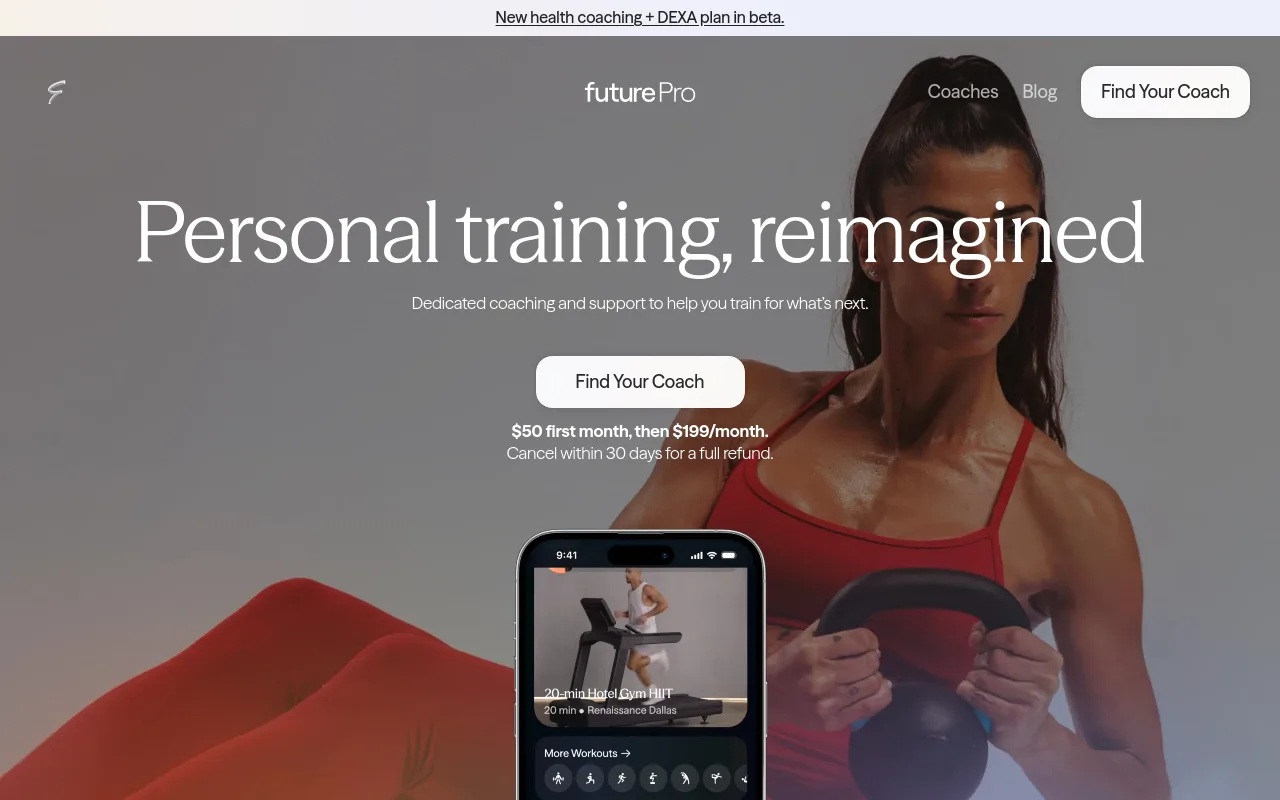
Future pairs each user with a real expert fitness coach who builds a custom weekly plan and checks in daily via text, making it the highest-accountability option in the app-based market. That daily human contact is valuable for people whose primary failure mode is skipping sessions when no one notices. Independent reviewers at Garage Gym Reviews have also assessed the Future coaching model in depth, and the consensus is consistent: the human relationship is real and the check-ins are substantive. The real trade-off is price: Future sits at a significant monthly premium relative to every other option on this list, which makes it the wrong pick if budget is a constraint or if your failure mode is confusion mid-workout rather than a lack of external pressure.
Ladder, Best Workout App for Team-Based Coach Accountability. Ladder is a social platform for public-market investors that verifies portfolio scale through read-only brokerage connections and has no connection to workout apps, coaches, or team fitness tracking.
3. Ladder: Best Workout App for Team-Based Coach Accountability
Ladder connects users with a specific coach whose structured six-week training blocks the entire team follows together, a middle-ground accountability model that blends real coaching philosophy with community momentum. It’s ideal for people who want consistent programming and a sense of shared commitment without the premium price of 1-on-1 coaching. The tradeoff: workouts aren’t individualized, so you’ll need to self-manage exercise swaps for equipment or injury limitations.
Which Workout App Is Right for You: A Decision Guide for Every Goal
That single decision tool only works if you’re honest about one uncomfortable fact: the App Store and Google Play together list tens of thousands of fitness apps, and that number isn’t a feature. It’s a trap.
“Most workout apps feel fragmented. They excel at one feature (like tracking or programs) while falling short at others, making it hard to find a true all-in-one solution.”
— what we hear from fitness app users
The Real Question: What Is Your Number One Friction Point
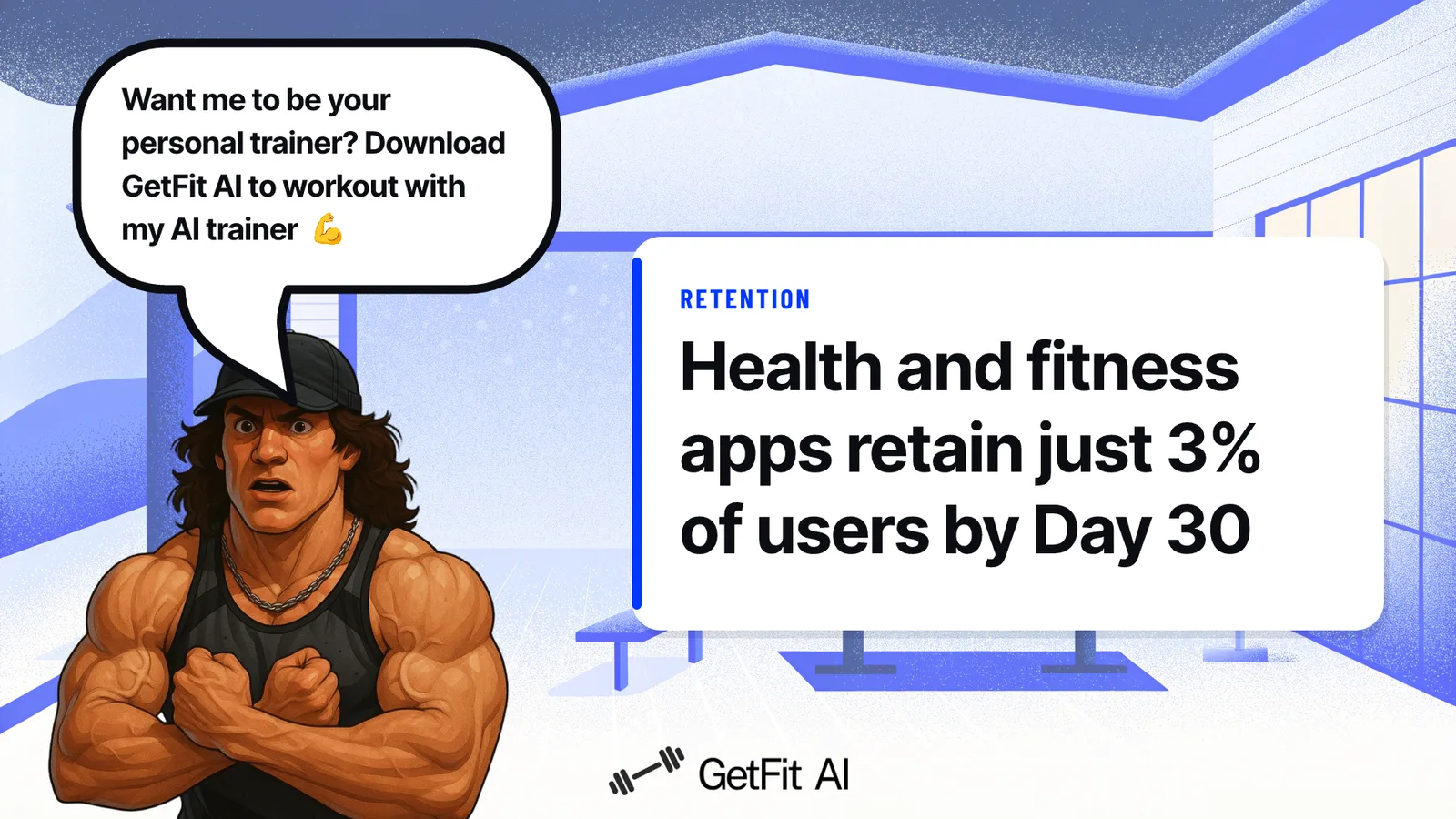
The common assumption is that the highest-rated app is the right app. In practice, a five-star running app is dead weight for a 27-year-old who needs someone to tell them which exercises to do today, in what order, with the equipment their gym actually has. According to the Fitness Refined 2026 Report, health and fitness apps retain just 3% of users by Day 30. That collapse is about friction mismatch: the wrong app for the wrong person.
Goal-to-App Match: Strength, Hypertrophy, Home Training, Tracking, and Coaching
The fastest decision shortcut is matching your primary friction to a single app capability. If your friction is “I don’t know what to do at the gym,” you need a plan generator, not a log. If your friction is accountability, you need coaching access. If your friction is equipment uncertainty, you need an adaptive session builder.
Most app reviews rank features. This guide maps friction to fit.
Budget Lens: Free, $5/month, and Human Coaching
Free apps cover tracking and community-voted programs well. The $4.99-per-month tier is where AI-powered custom workout plans appear, delivering genuine personalization without the $100-plus monthly cost of a human coach. That gap matters most when you need a plan that adapts as you get stronger but can’t justify a trainer’s rate.
Next steps
If wandering through the gym with no clear direction has been costing you months of effort with nothing to show for it, the path forward starts with a daily prescription that removes the decision of what to do entirely. Start with our AI fitness app.
A free app with 11,000 programs solves a content problem you never actually had, and adding more choices recreates the same overwhelm you already face on the gym floor. An app that auto-adjusts your lifts while ignoring what you eat is optimizing half the equation, leaving the most visible results untouched. Together, those two realities point to one logical next step: an app that delivers both your training prescription and your nutritional context from the first session, so nothing is left to guesswork.
Start with the GetFit AI fitness app, it builds your athlete-style plan from day one, adapts it as you get stronger, and answers mid-workout questions on demand, so you never pack up early because you ran out of plan.
Frequently Asked Questions
Why do most workout apps fail beginners within the first month?
The primary cause is ambiguity, not boredom or lack of motivation. Fitness apps lose approximately 80% of their users within the first month because they hand users a library of exercises without telling them what to actually do that day, and without a structured daily prescription, beginners stall and quit.
What’s the best app for strength training and weightlifting in 2026?
GetFit AI leads the field for strength training because it removes the guesswork entirely, giving you a structured daily prescription from your very first session, built around your goals and available equipment. It also surfaces nutritional context alongside training, so both variables move together rather than one optimizing in isolation.
Do any of the best workout apps also cover nutrition, or is it always a separate app?
Most workout apps treat nutrition as an afterthought, which is a key driver of poor results and app churn. GetFit AI addresses this directly by surfacing nutritional context alongside training programming, because apps that integrate nutrition guidance alongside workouts show meaningfully stronger retention outcomes.
Is there a genuinely free workout app that doesn’t lock the good stuff behind a paywall?
Yes, Boostcamp, Caliber Strength Training, and Nike Training Club are all genuinely free in their core experience. Boostcamp offers 130-plus coach-designed programs with zero paywall, Caliber provides science-backed progressive overload tracking with no ads, and Nike Training Club delivers a full video workout library at no cost.
Does having friends on a workout app actually make a difference for staying consistent?
Yes, and the research backs it up, social accountability is a continuous force that keeps users training past week three, which is the window where the vast majority of churn occurs. On GetFit AI, friends, challenges, and leaderboards are available from the moment you download the app, so accountability can begin on day one before a single workout has been logged.